TP-8/16/24/32/64S User Manual Version No.: V1.2
- 19 -
4.Connect route 32 RJ-11 business port with user’s telephone.
3.3 PC’s IP Address Modification
Connect computer with Voice gateway’s LAN port, and set its IP address as
192.169.0.2~192.169.0.254, subnet mask as 255.255.255.0, and gateway as 192.169.0.1.
It is fine not to fill in DNS or keep the initial value.
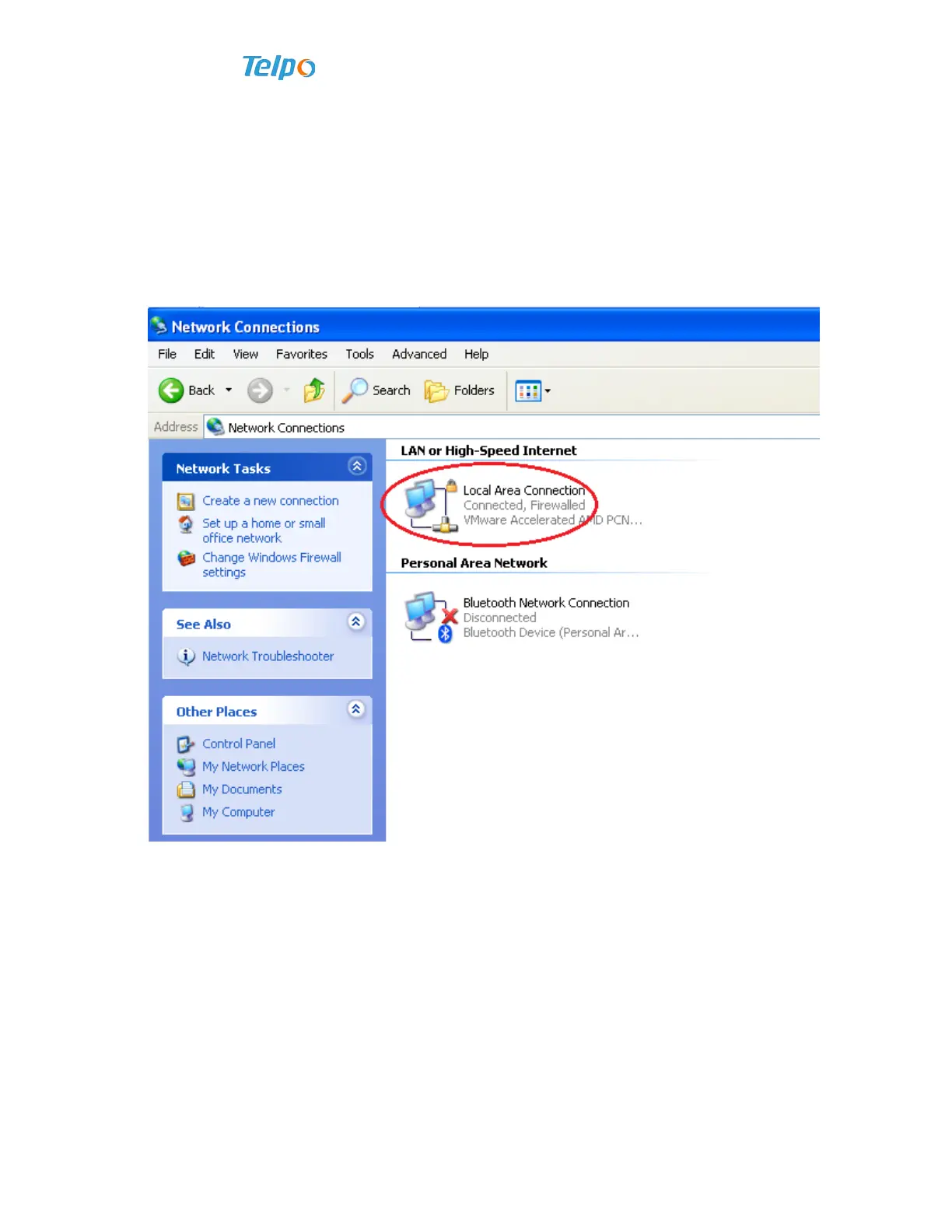
1. Open network connection, right click “local connection”, click property;
2. Open local connection property, choose “Internet protocol (TCP/IP)”, click
property (R);
3. Choose the option of “Use of the following IP address”, modify PC’s IP address
according to the practical needs.



 To Next Page