TP-8/16/24/32/64S User Manual Version No.: V1.2
- 30 -
Global parameter settings
4.1 Device Status
Here you are able to inquire Voice gateway’s every
status, including device model, operation time, software
and hardware versions, WAN’s status information, LAN
port information status, user port status and traffic statistic
information, etc.
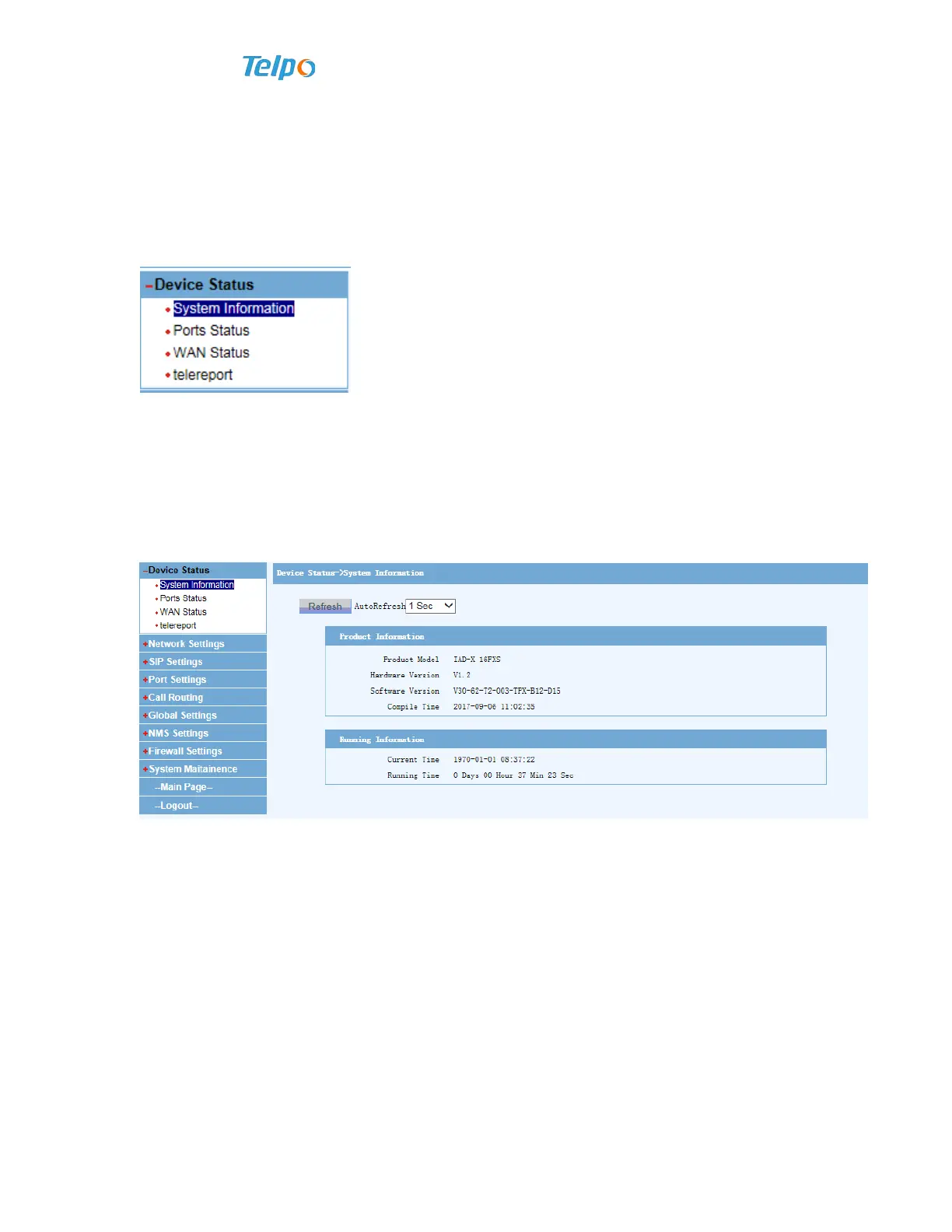
4.1.1 System Information
Click “Device Status”, and then click “System Information”, the following
information will appear in the system.
4.1.2 Port Status
Click “Device Status”, and then click “Port state”, the following information will
appear in the system.



 To Next Page