TP-8/16/24/32/64S User Manual Version No.: V1.2
- 32 -
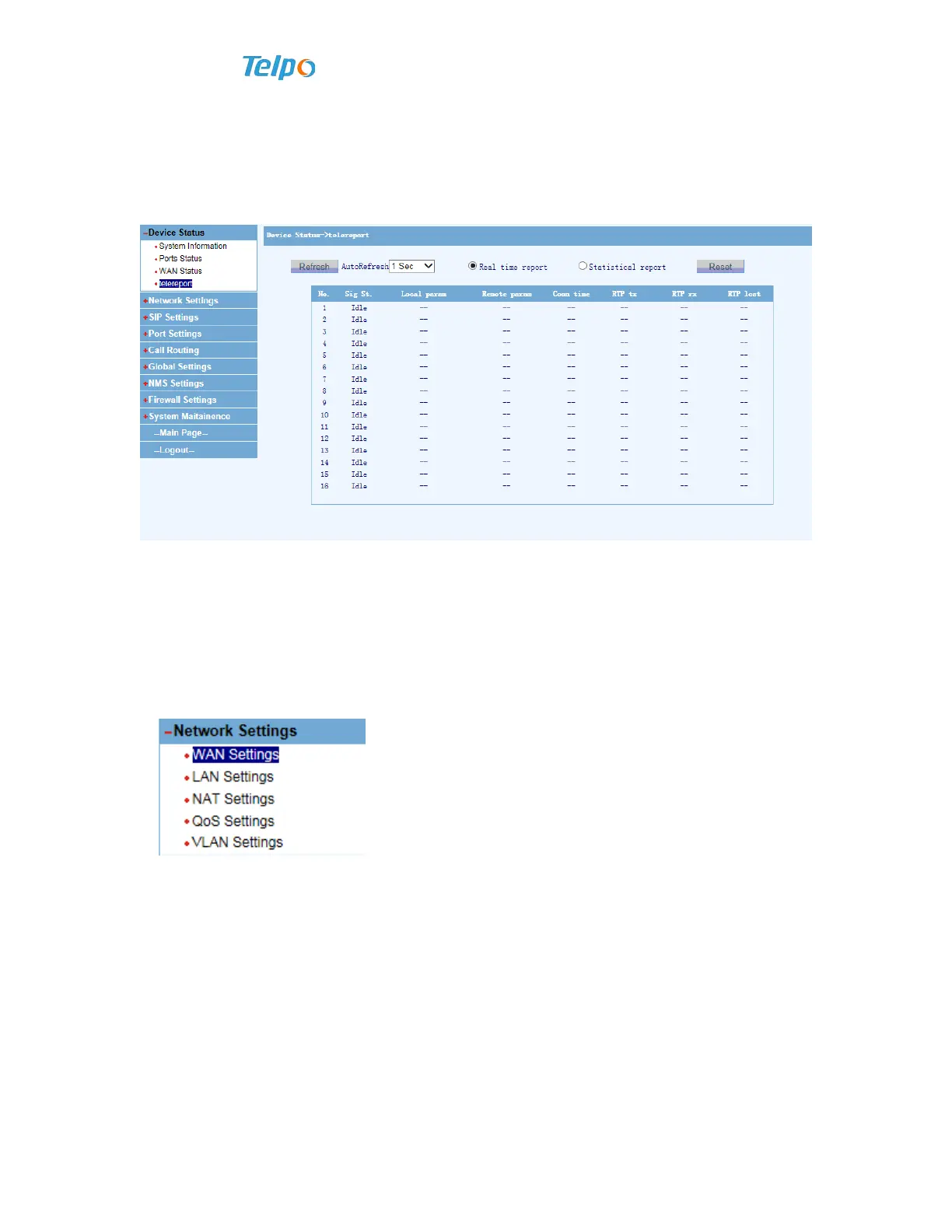
4.1.4 Telereport
Click “Device Status”, and then click “telereport”, the following information will
appear in the system.
Explanations: Traffic statistics cover the real-time state of current activated port,
conversation time and other information.
4.2 Network Settings
Network settings include:
WAN Setting: It refers to the upward access network
port;
LAN Setting: It refers to the lower access network
port including DHCP configuration;
NAT Setting: It refers to network address transfer
including DMZ configuration;
QOS Setting: It refers to quality of network service.
VLAN Setting: It refers to virtual local area
network.
4.2.1 WAN Setting
After entering WEB interface, choose “Network settings >> WAN Settings”. Voice
gateway can be get access to via three network access methods.



 To Next Page