TP-8/16/24/32/64S User Manual Version No.: V1.2
- 24 -
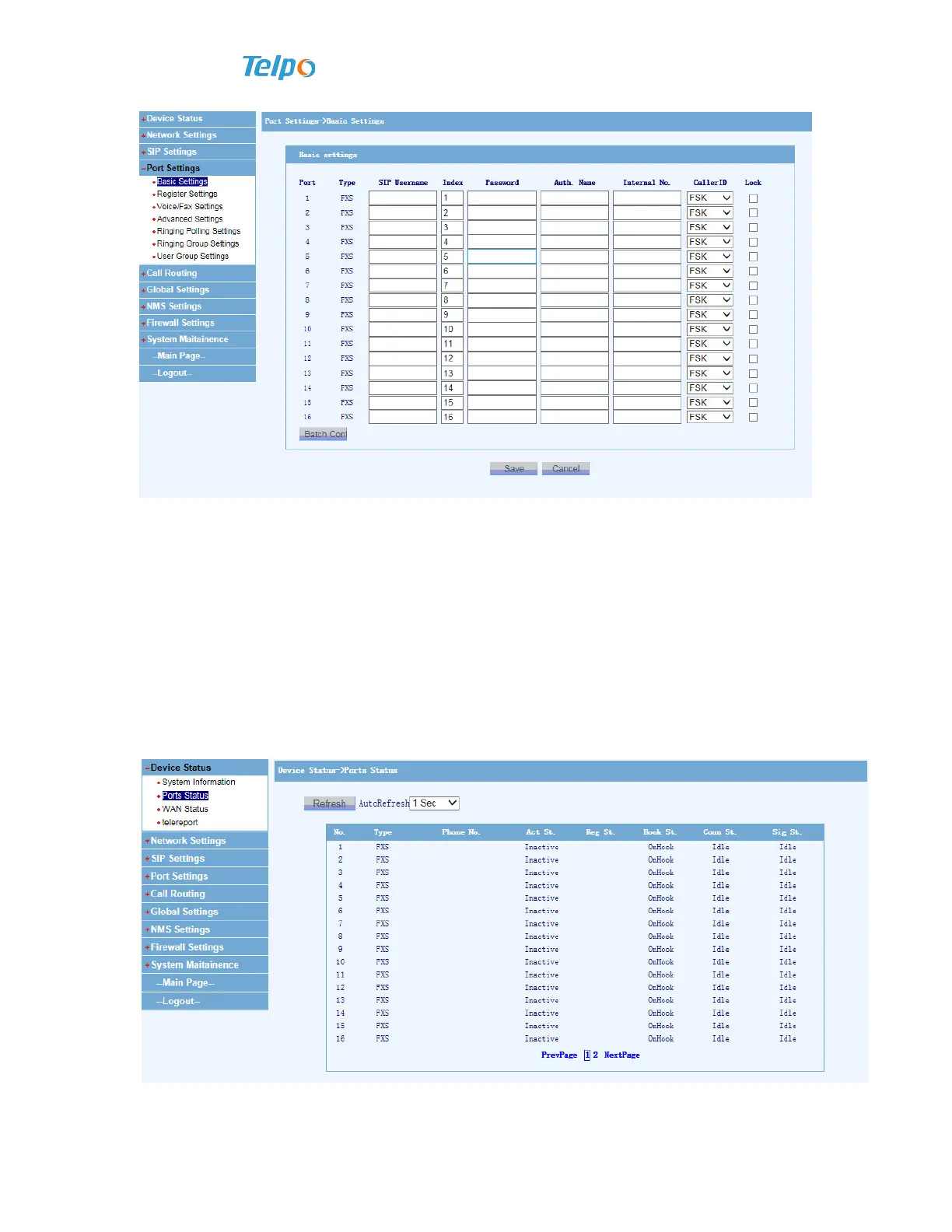
Click “Port settings Basic settings” that is in the left column, complete
username, password and identified name in the basic settings, and than click to save.
Explanations: SIP parameters are conditional upon the soft switch. Usually,
username is the identified name.
3.8 Ports Status
Your can check corresponding port’s registration status after finishing the Voi ce
gateway configuration,



 To Next Page