TP-8/16/24/32/64S User Manual Version No.: V1.2
- 36 -
4.2.3 NAT Settings
Explanations:
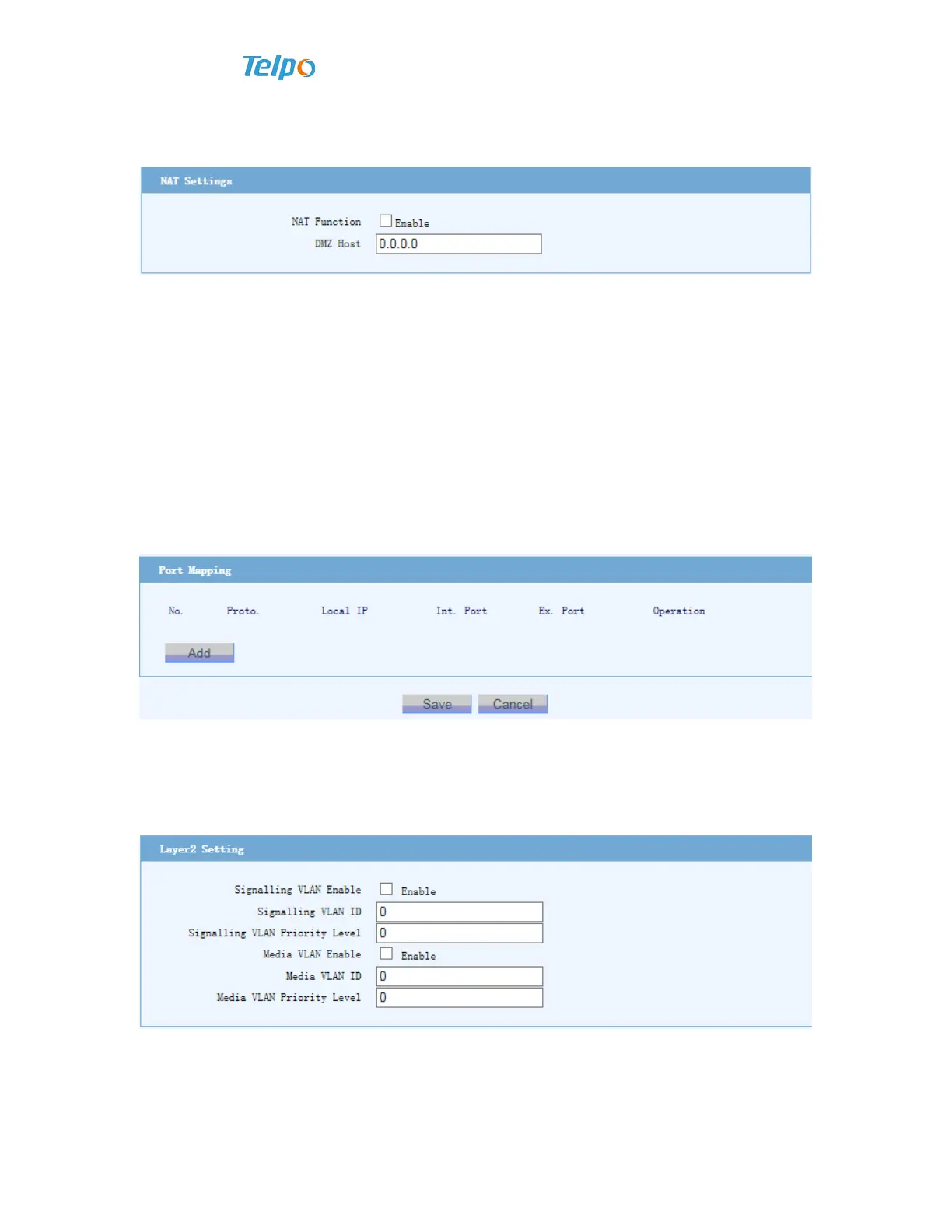
NAT function is not started using by default. If it is started, the computer
connected with LAN port can share network.
Open the host, and offer DMZ function. In special cases, a computer in local area
network needs to be exposed to wide area network completely, to realize
double-way communication. At this time the computer can be set as DMZ host.
:After setting DMZ host, the firewall settings related to the IP will not work.
Explanations:
Port mapping table defines the mapping relation between wide area network
service port and local area network device.
Protocol: Port mappings of UDP and TCP are all applicable.
4.2.4 QOS Settings
Network service quality (QOS), Voice gateway supports prior marks of two-layer
and three-layer data frames, to ensure conversation quality of IP voice.
Explanations:
Two-layer Qos settings: VLAN ID is the tag based on 802.1Q.
ID value ranges from 1~4096.



 To Next Page