19
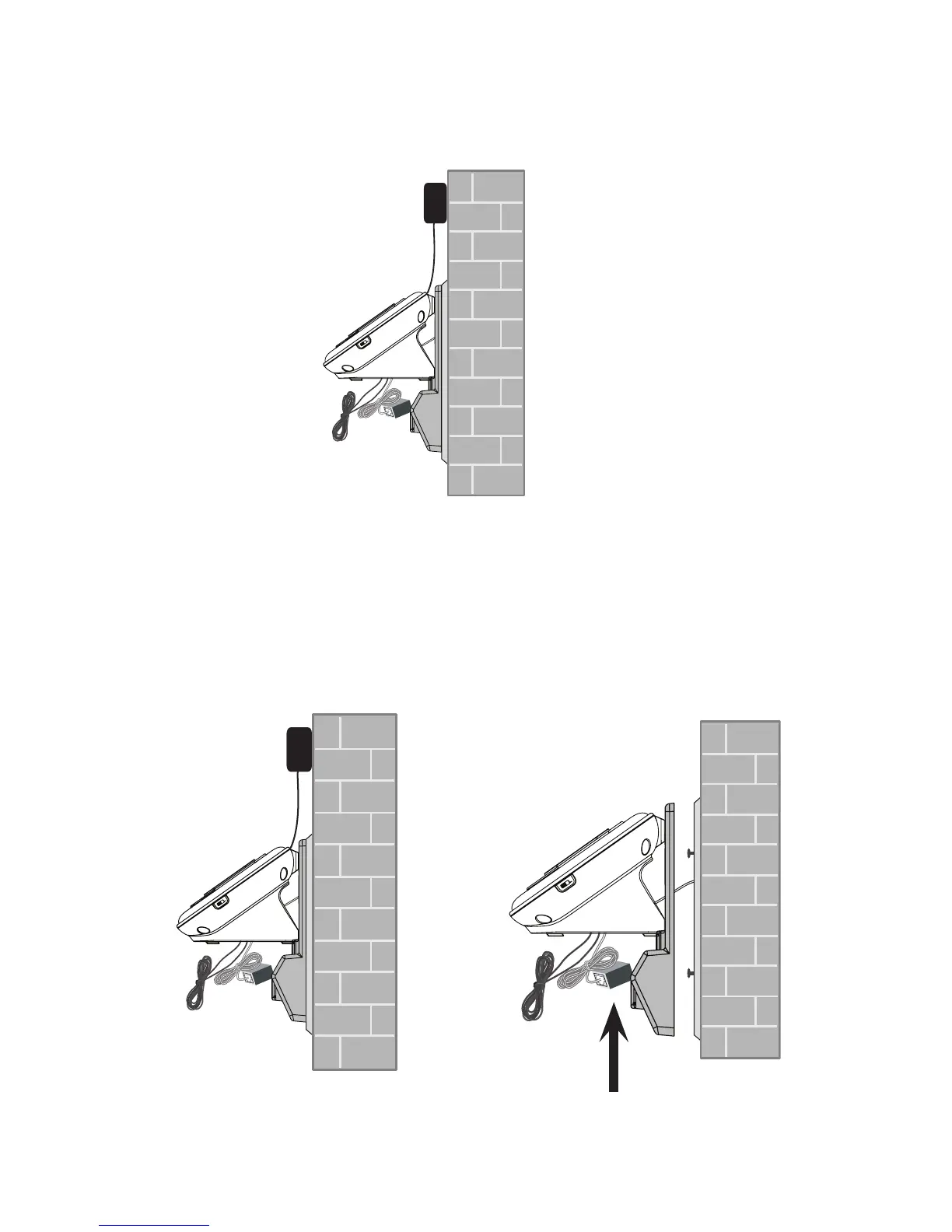
Bundle the telephone line cord and power adaptor cord neatly with twist
ties. Place the bundled cords into the space behind the telephone base.
Wall mount to tabletop installation
To change the telephone base from the wall mount position to tabletop
position, follow the steps below.
Unplug the telephone line cord (or DSL lter) from the wall. Unplug the
power adaptor from the mains socket. Push the wall mount bracket up to
remove it from the wall.
4.
1.



 To Next Page