12
NOW LET’S GET YOU CONNECTED
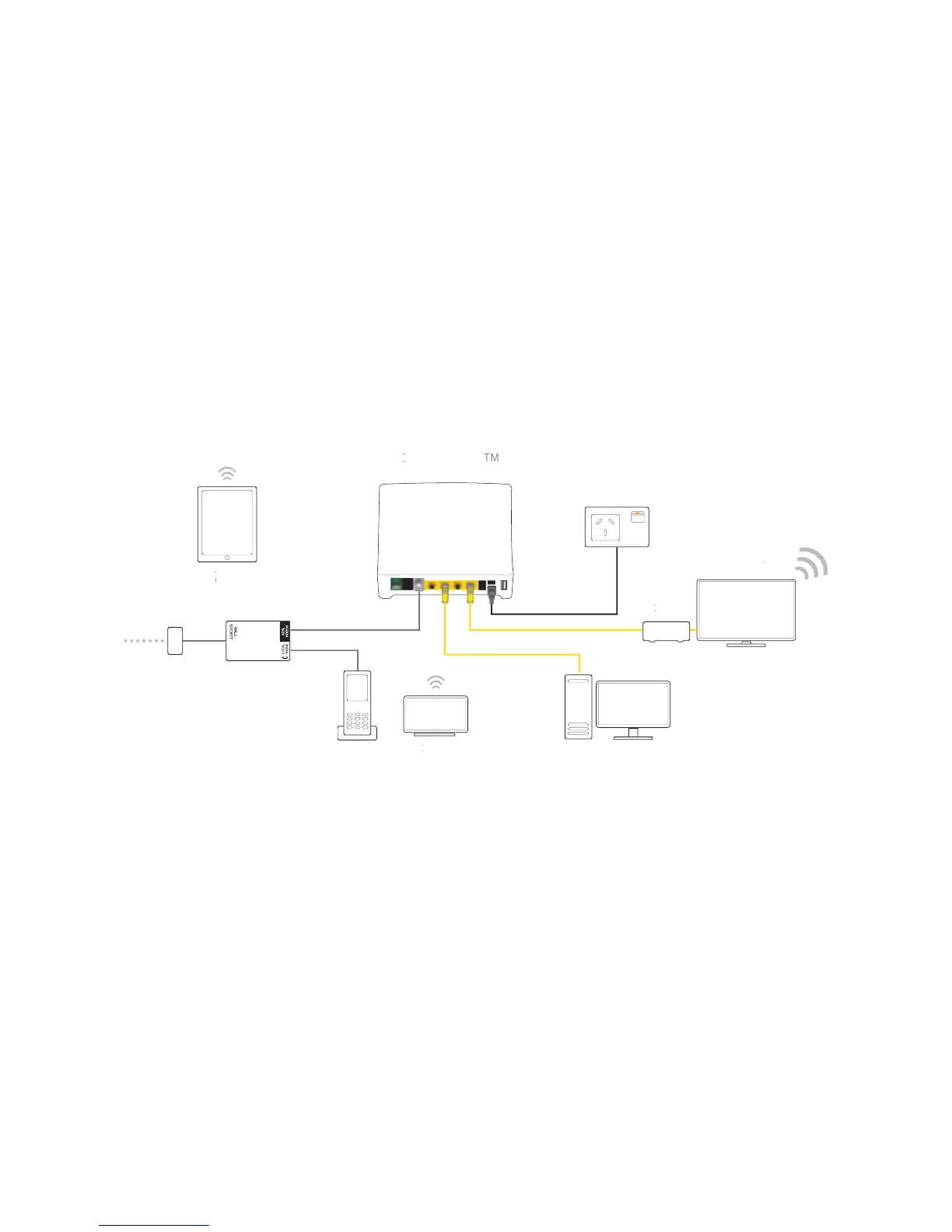
So now that you have an idea of what your Gateway can do, it’s time to help
you get it all working. In the next two sections, we’ll help you set up your
Gateway and connect your devices to it:
GETTING STARTED WITH YOUR T-GATEWAY
Power on your T-Gateway and connect it to your phone line – see page 14.
CONNECTING DEVICES TO YOUR T-GATEWAY
Connect devices using Ethernet cable or Wi-Fi – see page 31.



 To Next Page