79
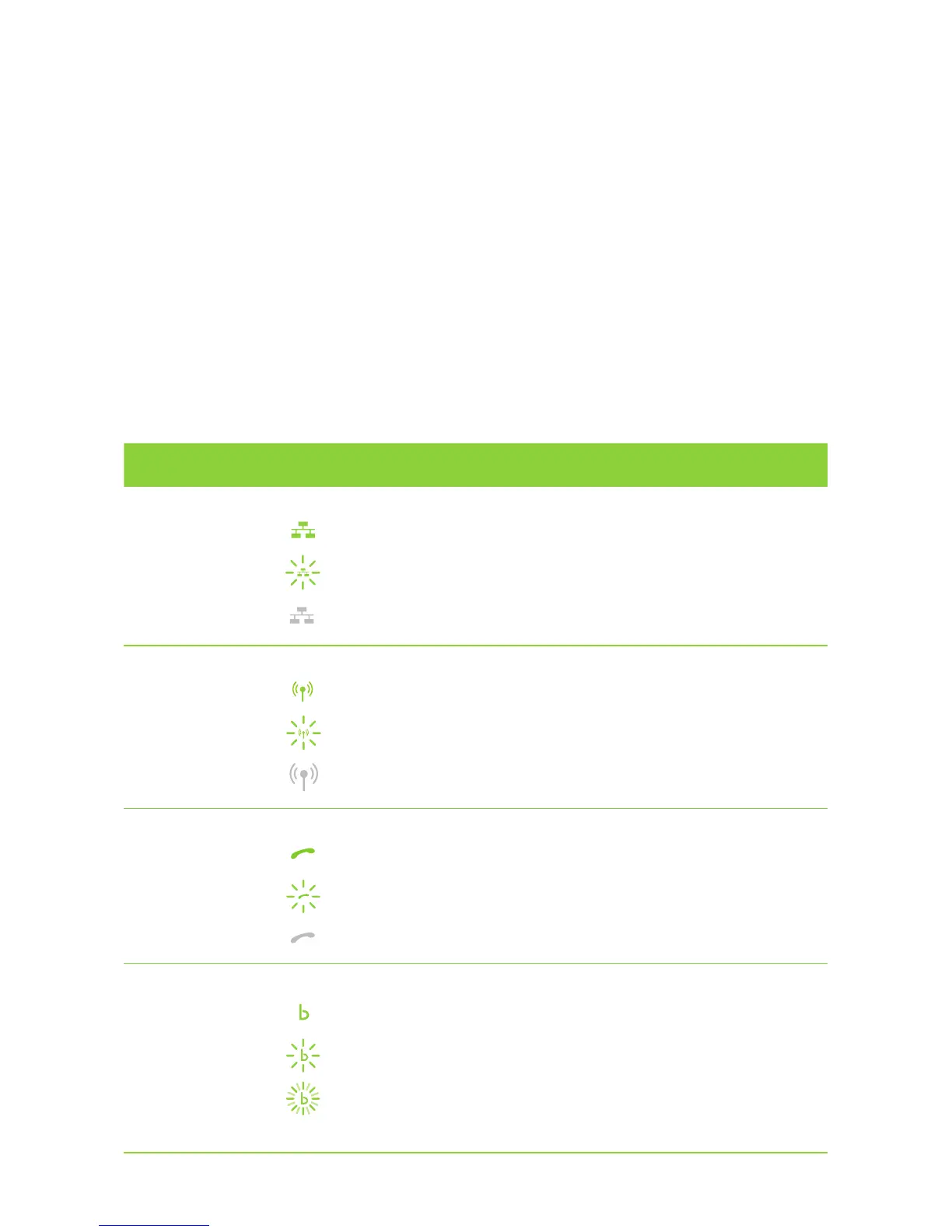
The front of your Gateway has 8 indicator lights. These pages explain
what it means when each of them is steady, blinking or off.
UNDERSTANDING WHAT YOUR GATEWAY IS TELLING YOU
INDICATOR LIGHTS
ON YOUR GATEWAY
INDICATOR LIGHT DESCRIPTION
Ethernet
Green LED
Steady Green - Ethernet connection detected, but there is no activity.
Blinking Green - Ethernet connection detected, and activity is ongoing.
Off - No Ethernet connection detected.
Wireless
Green LED
Steady Green - Wireless device connected, but there is no activity.
Blinking Green - Wireless device connected and activity is ongoing.
Off - No wireless device connected.
Voice
Green LED
Steady Green - SIP/VoIP service is registered, but no call is being made.
Blinking Green - SIP/VoIP service is registered, and a call is being made.
Off - No SIP/VoIP service is registered.
WAN – Wide Area Network WAN – Wide Area Network
Green LED
Steady Green - ADSL line is synchronised (connected) and working.
Slow Blinking Green - Trying to detect an ADSL signal.
Fast Blinking Green - ADSL signal has been detected and the Gateway
is trying to synchronise (connect).



 To Next Page