73
HOW TO: USE THE ‘HELP’ FEATURE ON YOUR GATEWAY
STEP 1:
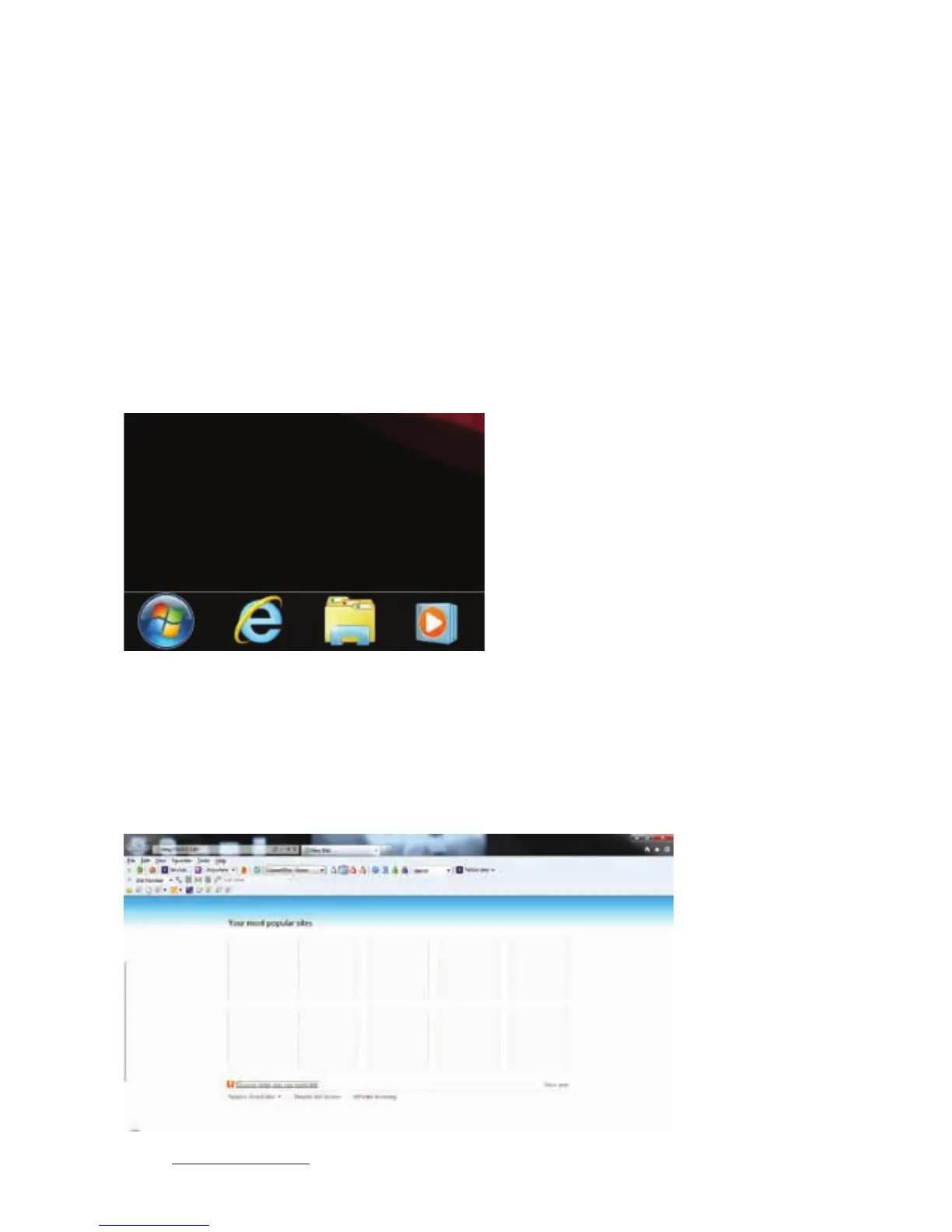
Open a web browser on your device. On a PC, it may be Internet Explorer.
On a Mac, it may be Safari.
Other devices may have their own web browser.
Enter http://10.0.0.138 in your browser’s address bar and go to the page.
STEP 2:



 To Next Page