36
INSTRUCTIONS TO CONNECT VIA WI-FI USING:
OS X
For any iMac, MacBook or Mac Pro
Windows
®
Windows
®
XP
Windows
®
7
Windows
®
8
All other devices
For phones, tablets, smart TV’s and game consoles
CONNECT
VIA WI-FI
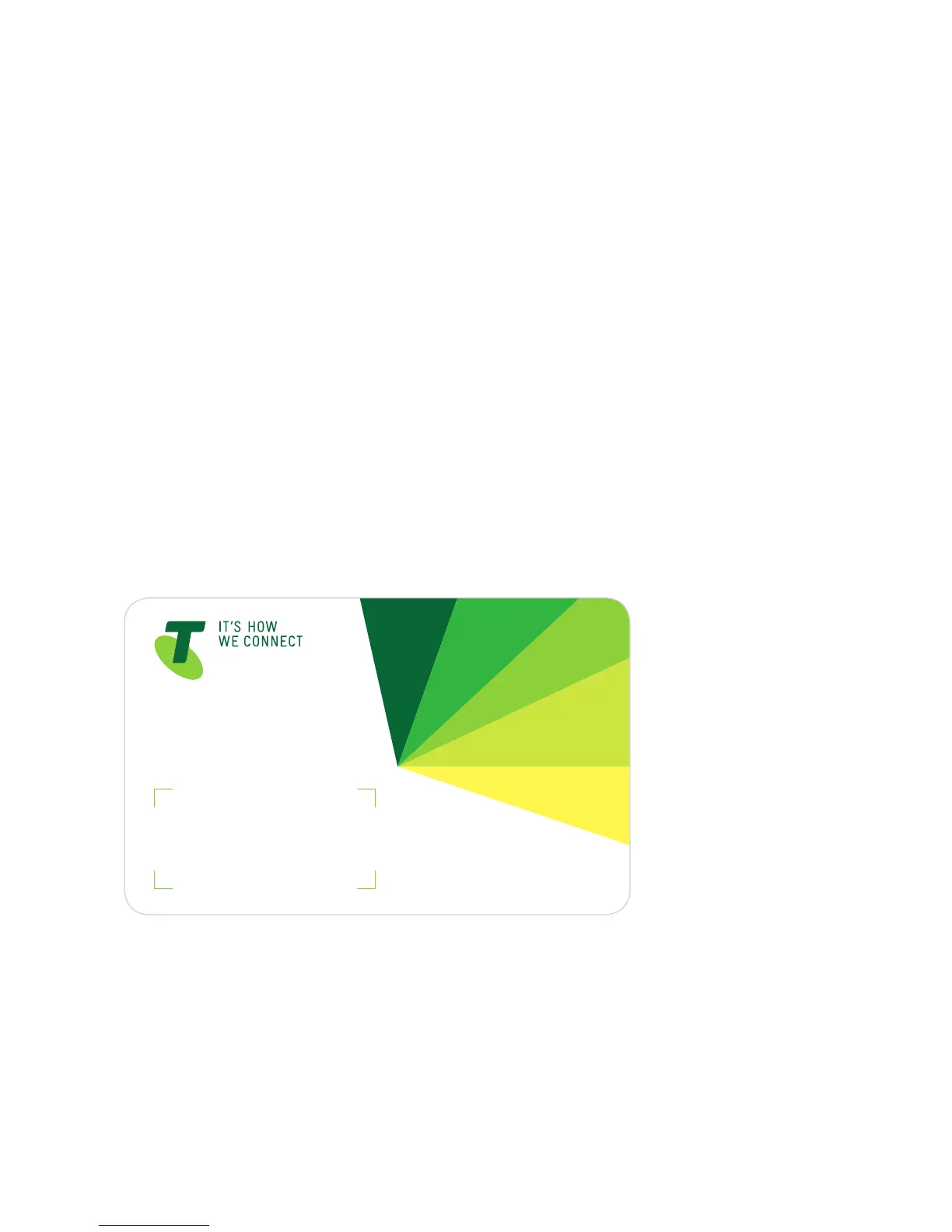
Keep the Wireless (Wi-Fi) Security Card that came in the box nearby;
you’ll need it to connect your devices to your T-Gateway. If you
happen to lose the card that comes with your kit – don’t worry!
The Wi-Fi details are printed on the back of the modem.



 To Next Page