77
One of the first things to do is to look at the T-Gateway lights,
which will provide you further information on what may
prevent you from accessing the Internet.
If you are experiencing a slow internet service, please use the ‘How To:
Access my Gateway Management Interface’ and ‘How To: Use the ‘Help’
feature on your gateway’ for further assistance.
TROUBLESHOOTING: CAN’T CONNECT TO
MY GATEWAY ON WI-FI WITH ADDITIONAL DEVICES
TROUBLESHOOTING: MY INTERNET SERVICE IS RUNNING SLOW
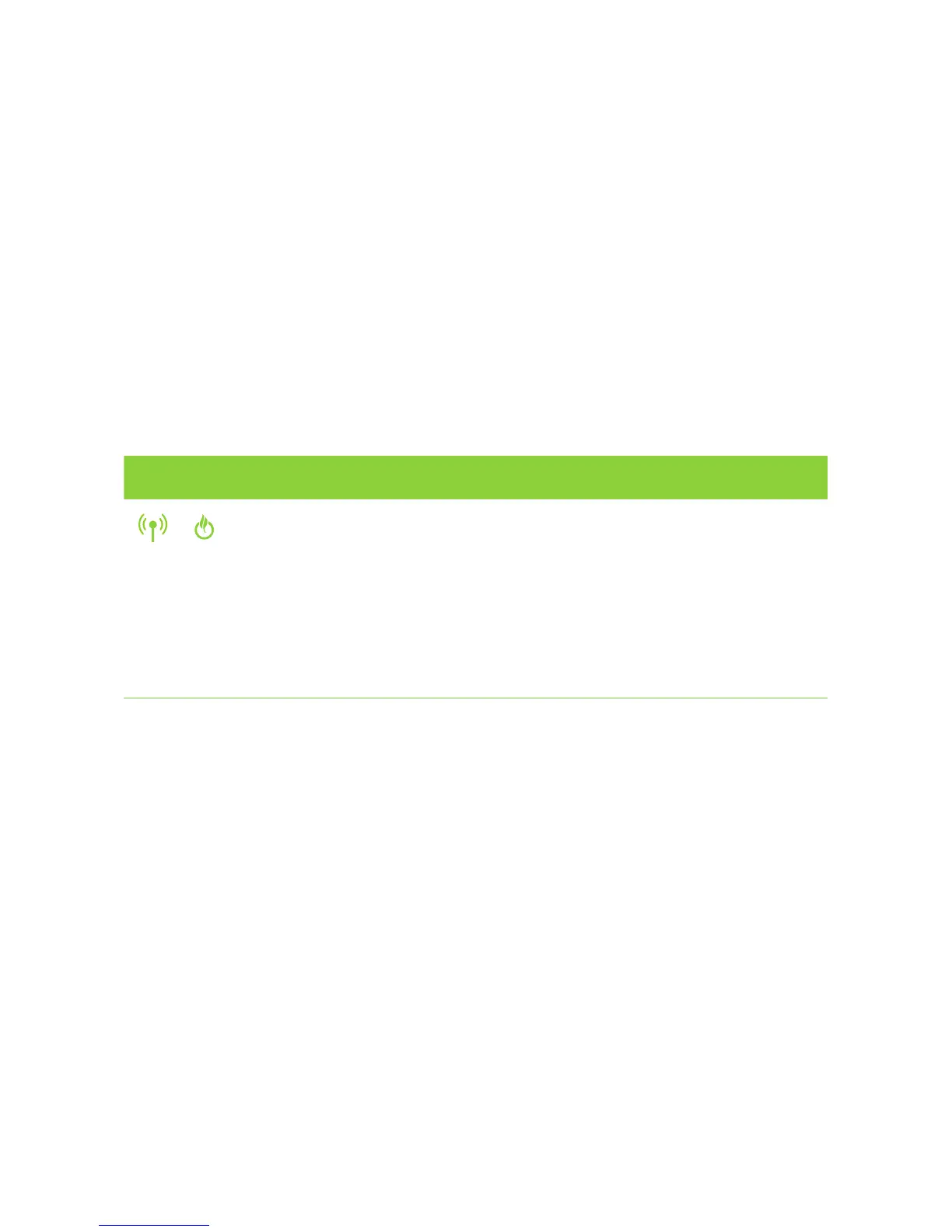
T-GATEWAY LIGHT STATUS WHAT IT MEANS WHAT TO DO
Wi-Fi light is on
and Status light
is solid green
There is a device
connected to the
T-Gateway, but
additional device is
unable to connect
• Check that you used the correct Wi-Fi
details from the supplied Wi-Fi key card.
• Check that you have turned on the Wi-Fi
radio on your additional device.
• Check that you are in Wi-Fi range of
the gateway.
• Check your device manual/help guide,
to ensure it supports the correct Wi-Fi
security encryption.



 To Next Page