24
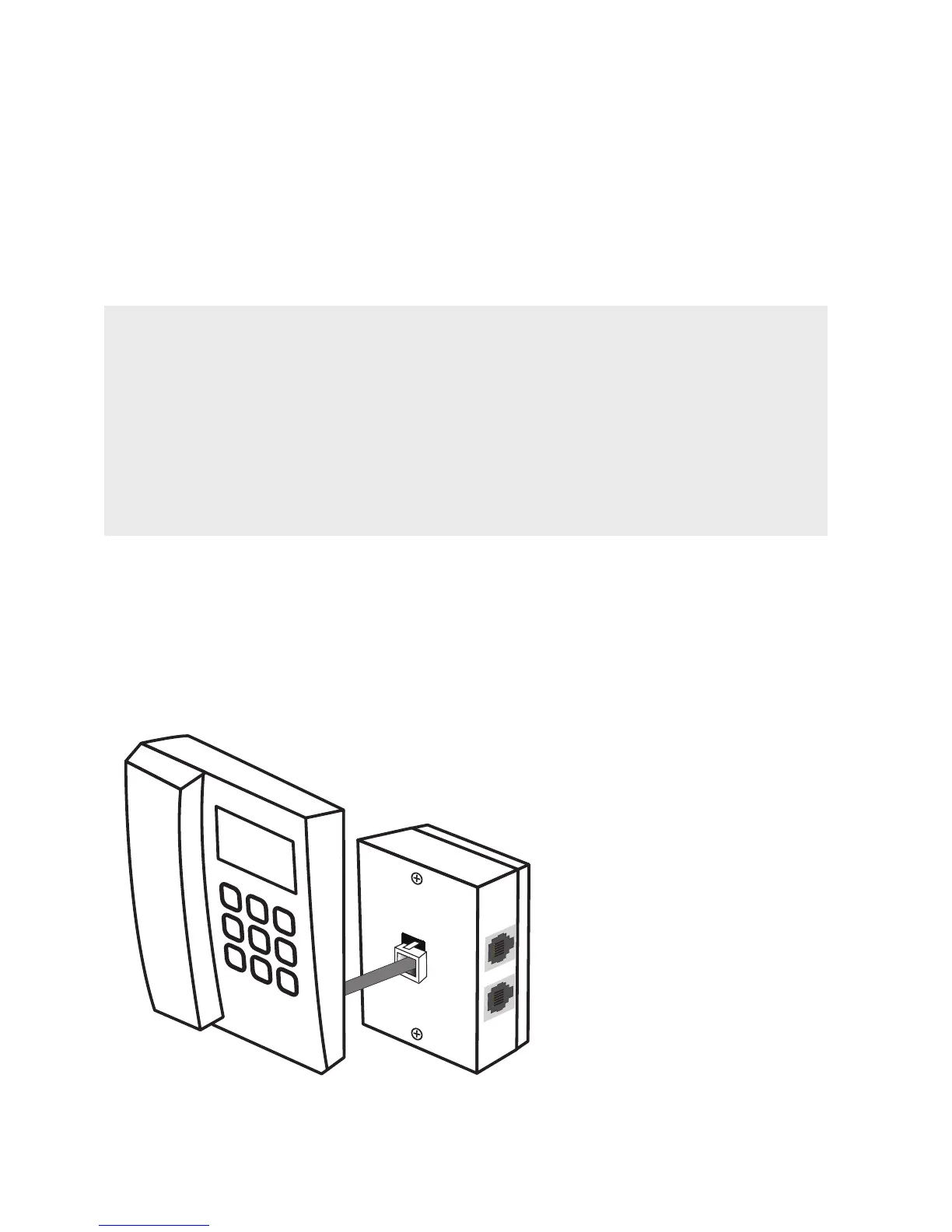
CONNECT THE WALL-MOUNTED FILTER/SPLITTER
STEP 1:
CONNECT WITH A
WALL-MOUNTED PHONE
DO YOU HAVE A WALL-MOUNTED ADSL FILTER/SPLITTER?
Wall-mounted phones need a special filter/splitter that is not included with
your T-Gateway.
These filter/splitters mount directly on your existing wall plate, meaning they
take up less space on your wall.
If you didn’t order a wall-mounted filter/splitter along with your T-Gateway,
please contact us through one of the options in the ‘More Help’ section.
Take the phone off the wall by applying firm upwards pressure,
and unplug the short cable from the wall plate.



 To Next Page