23
STEP 5: COMPLETE
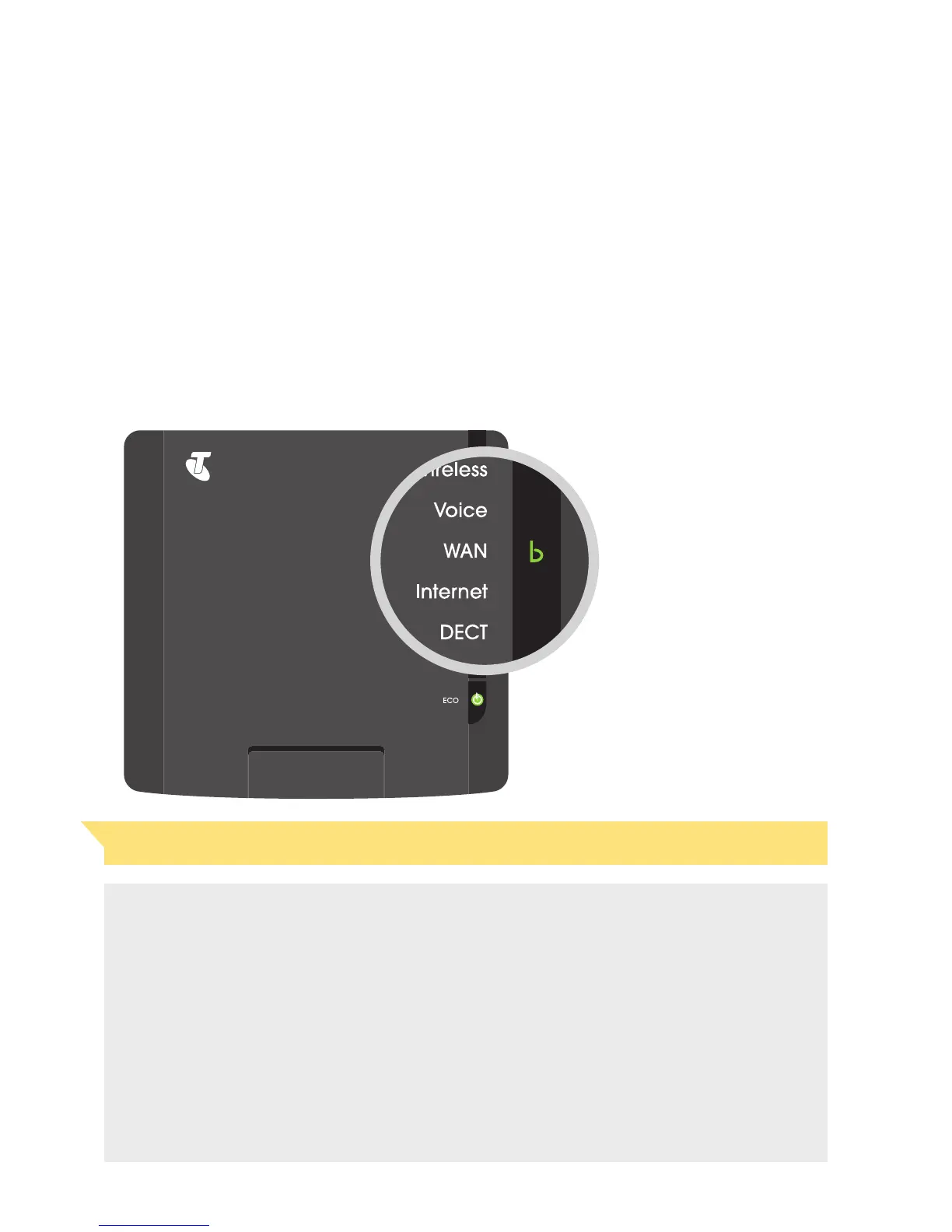
The WAN indicator on your T-Gateway (see page 79) should flash green then
become a steady green in a few minutes. Your T-Gateway is ready for you to
connect your devices and to activate it.
Important Note: Is the WAN indicator not green? Turn to page 79 for assistance.
DO YOU HAVE A PHONE ELSEWHERE IN YOUR HOME?
To avoid the ADSL signal interfering with phone calls, you need a filter on every
phone connected to a wall socket on your ADSL line.
Follow tasks 3 and 4 to connect the second provided filter/splitter to any additional
phones on this line.
If you have more than two phones connected to your ADSL line, you’ll need
additional filters. You can find them at a Telstra Shop near you.
If you have more than 4 phone devices or a Back to Base alarm system, you’ll need
to have a central filter installed. We can do this for you for a fee.



 To Next Page