53
CONNECT YOUR DEVICE TO YOUR T-GATEWAY
STEP 1:
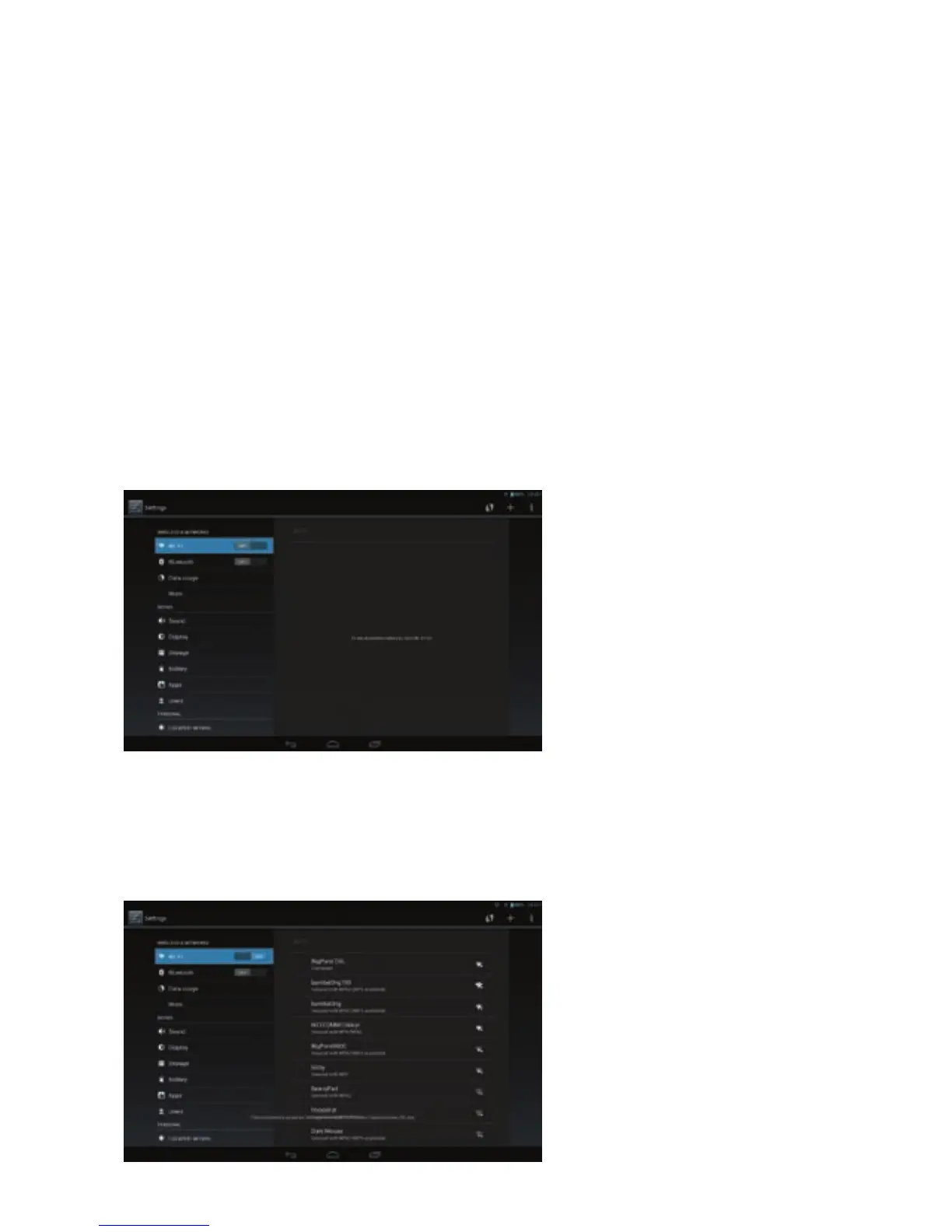
On your phone, tablet, T-Hub 2, smart TV or gaming console navigate to the
wireless networking section and switch on Wi-Fi. Please refer to the guides
that came with your device for assistance.
CONNECT VIA WI-FI
OTHER DEVICES
STEP 2:
You’ll see a list of available wireless networks. Click on the one that matches
the WIRELESS NETWORK NAME on your Wireless security card.



 To Next Page