52
STEP 5: COMPLETE
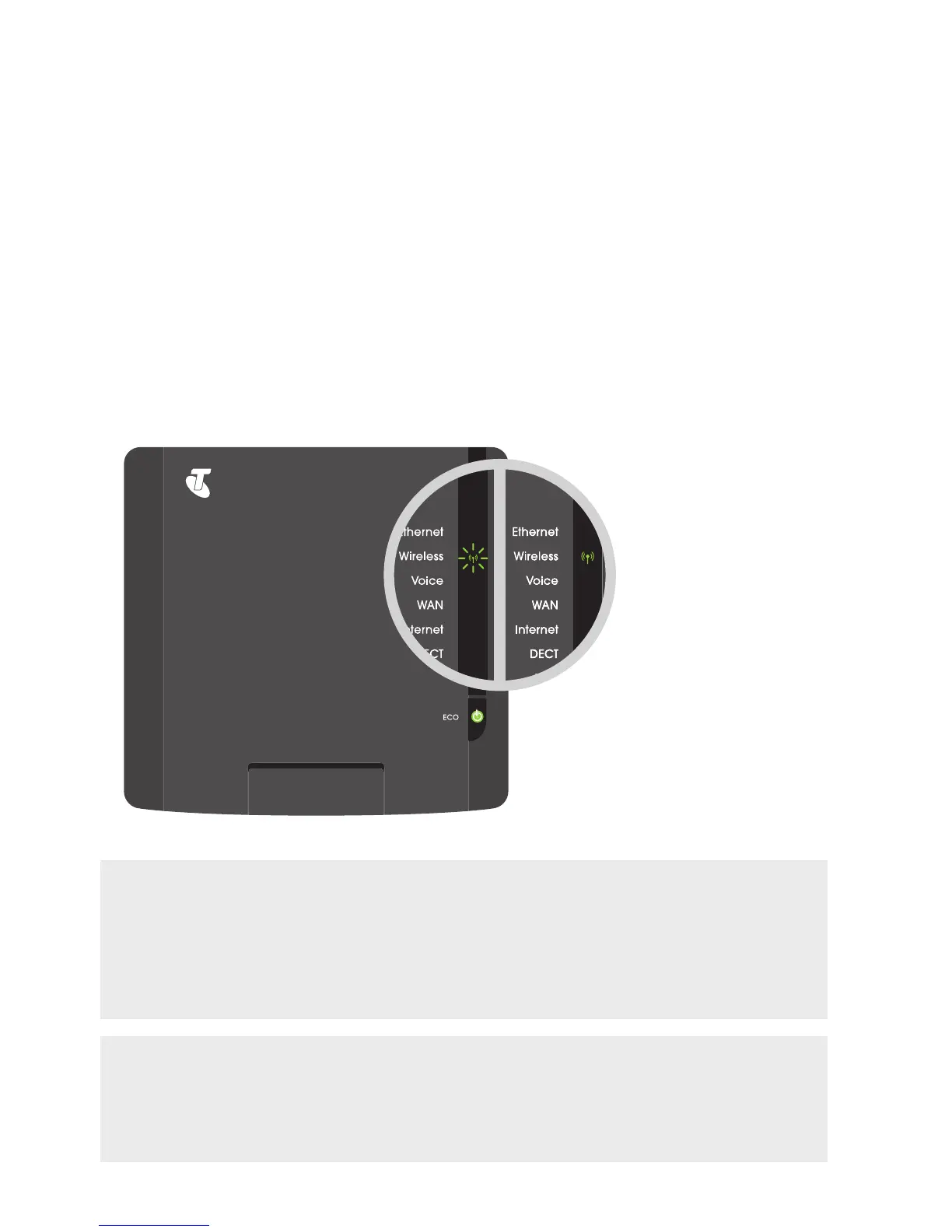
The Wireless indicator on your T-Gateway (see page 79) should now be steady or
flashing green. The Wireless Network icon in the menu bar should also indicate
that a connection has been established.
WHAT’S NEXT? GET ACTIVATED!
If you’re setting up your T-Gateway for the first time, you may need to first activate it to
get on the internet. Turn to page 57 and activate your T-Gateway so you can get online.
Otherwise, you‘re now ready to go!
CAN’T CONNECT?
If your computer’s wireless adaptor is on and you can’t connect to your T-Gateway,
or the connection drops out, please turn to page 76 for assistance.



 To Next Page