75
One of the first things to do if your Internet service isn’t working, is to check
your T-Gateway lights and find out what to do using the table below.
TROUBLESHOOTING: CAN’T CONNECT TO MY INTERNET SERVICE
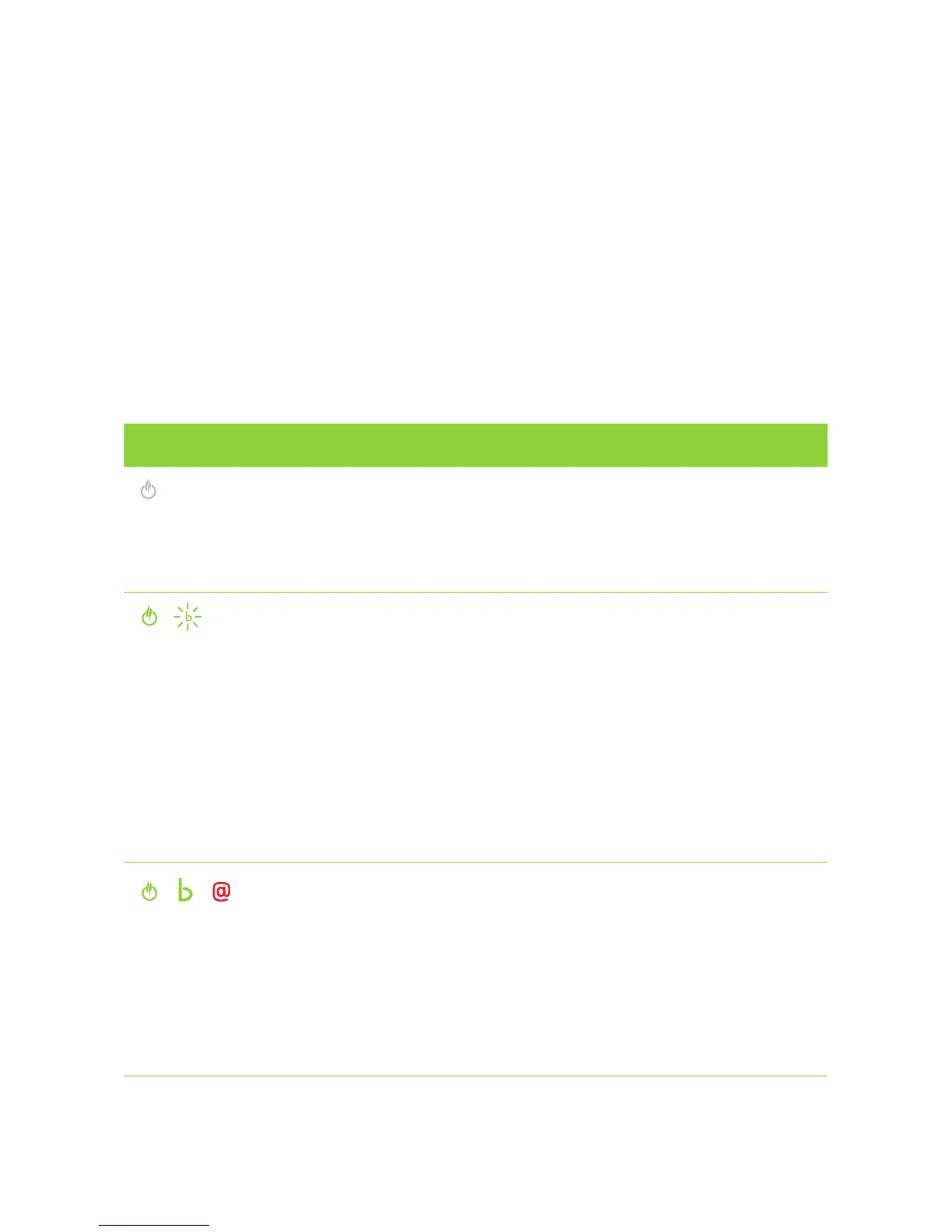
T-GATEWAY LIGHT STATUS WHAT IT MEANS WHAT TO DO
Power light is off
There is a problem
with your power
supply or
power is off
• Check your power cable is plugged in
correctly at the socket and that the main
power is on.
• Check the T-Gateway Power button is on
(back of the Gateway).
Power is on
and WAN light
is blinking
The T-Gateway
has power, but
cannot find an
ADSL signal on
the telephone line
• Make sure you are trying to connect to your
ADSL service on the activation day you were
advised. If not, please wait til that day.
• Check that your telephone cable is connected
to the Gateway, in the grey port and the
socket on the wall.
• Check that you have a dial tone, using an
existing Telephone in your home.
• Reboot your modem.
• If there is no dial tone, there is likely to be
a problem with your telephone line. Please
contact us through one of the options in the
‘More Help’ section.
Power is on, WAN light
is solid Green and Internet
light is solid red/off
The T-Gateway can
find an ADSL signal,
but cannot connect
to the Internet
• Check that you have typed the correct
username on your gateway.
• Re-type your password for your internet
service on your gateway.
• Reboot your modem.
• Attempt to access a website.
• Check that you haven’t got any outstanding
bills, which may have caused your service to
be suspended.
• Check for any service outages on 133 933.



 To Next Page