74
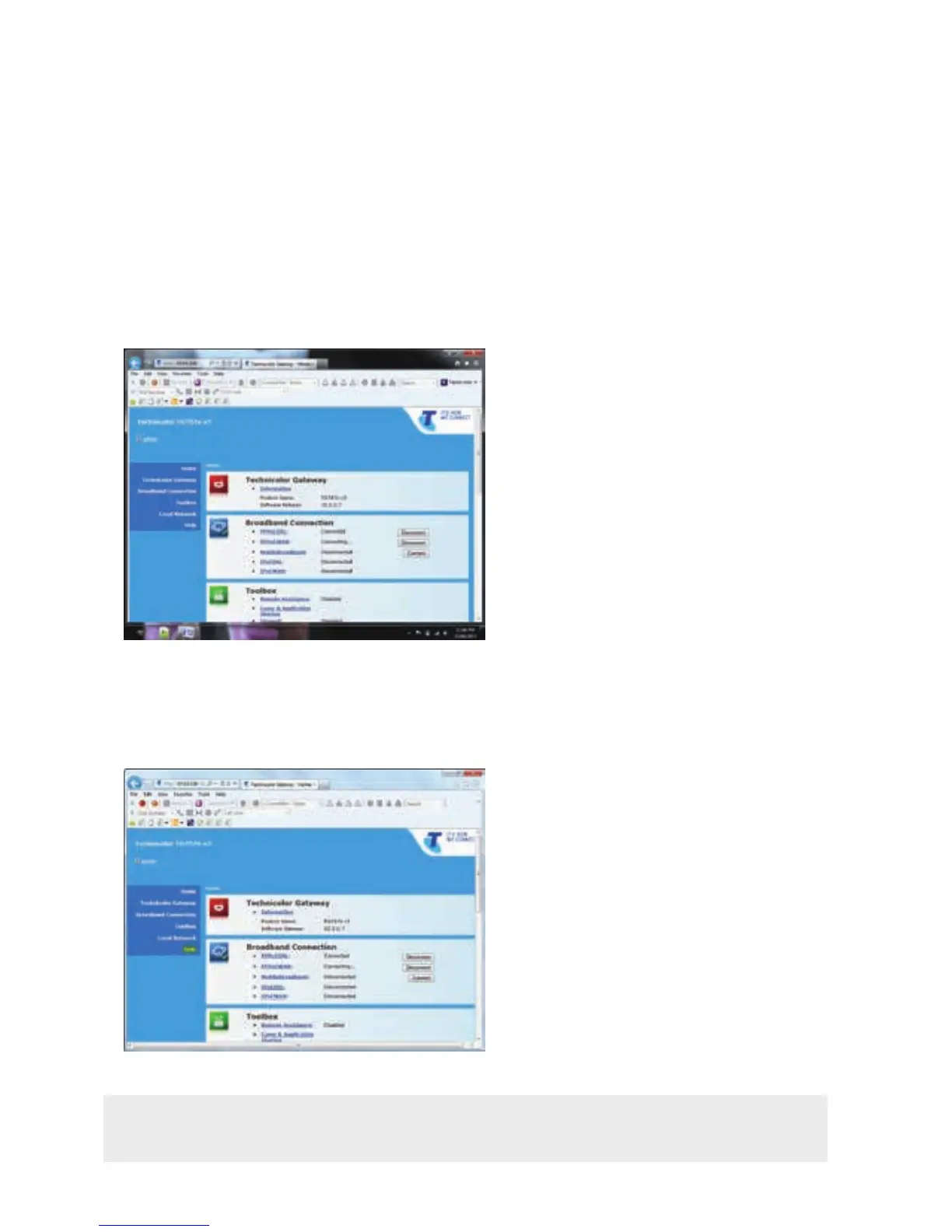
On the Gateway Management Interface, click on Help.
STEP 4:
You will now be shown the Gateway Management Interface landing page.
Turn to page 81 for an explanation of what each section means.
STEP 3:
Note: This will open the Help menu in a new tab or pop up window. The help content is
related to the category/topic, from where you have clicked on the Help button.



 To Next Page