80
INDICATOR LIGHT DESCRIPTION
Internet
Green LED
Red LED
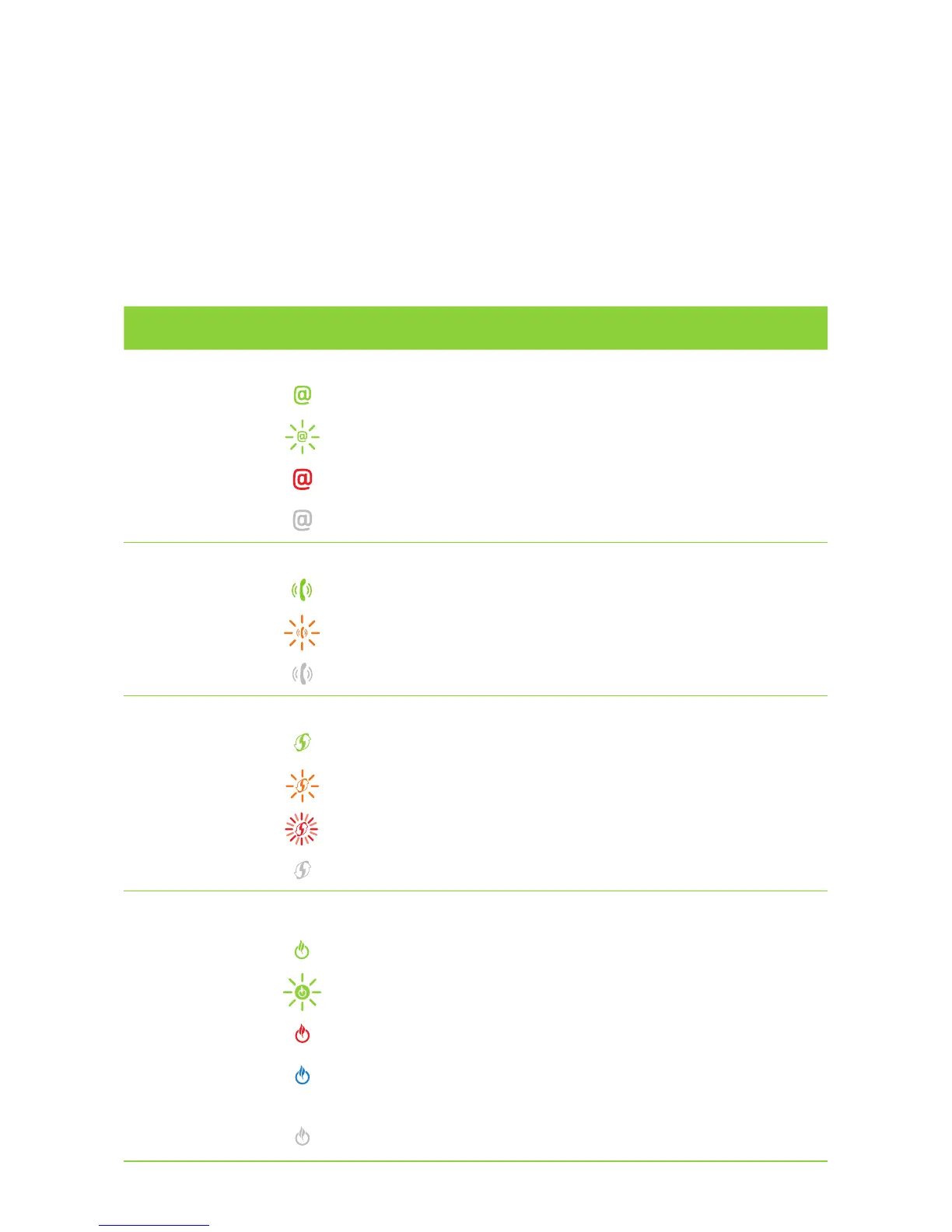
Steady Green - Connected to the Internet, but there is no activity.
Blinking Green - Connected to the Internet and activity is ongoing.
Steady Red - Internet connection has failed.
Off - No connection to the Internet.
DECT – Digital Enhanced Cordless Telecommunications
Green LED
Orange LED
Steady Green - DECT device connected and ready for use.
Blinking Orange - DECT device in pairing mode is connecting.
Off - DECT not connected.
WPS – Wi-Fi Protected Setup
Green LED
Orange LED
Red LED
Steady Green - WPS pairing setup successful.
Blinking Orange - WPS pairing process in progress.
Fast Blinking Red - WPS error detected.
Off - WPS is not in progress.
Power/Status/ECO
Green LED
Orange LED
Steady Green - WPS pairing setup successful.
Blinking Red - Gateway is starting up.
Steady Red - Gateway has started, but not connected to the Internet.
Steady Blue - ECO mode is active, Wi-Fi service has been turned off,
all other functions are in operation.
Off - Power is off.



 To Next Page