34
STEP 4: COMPLETE
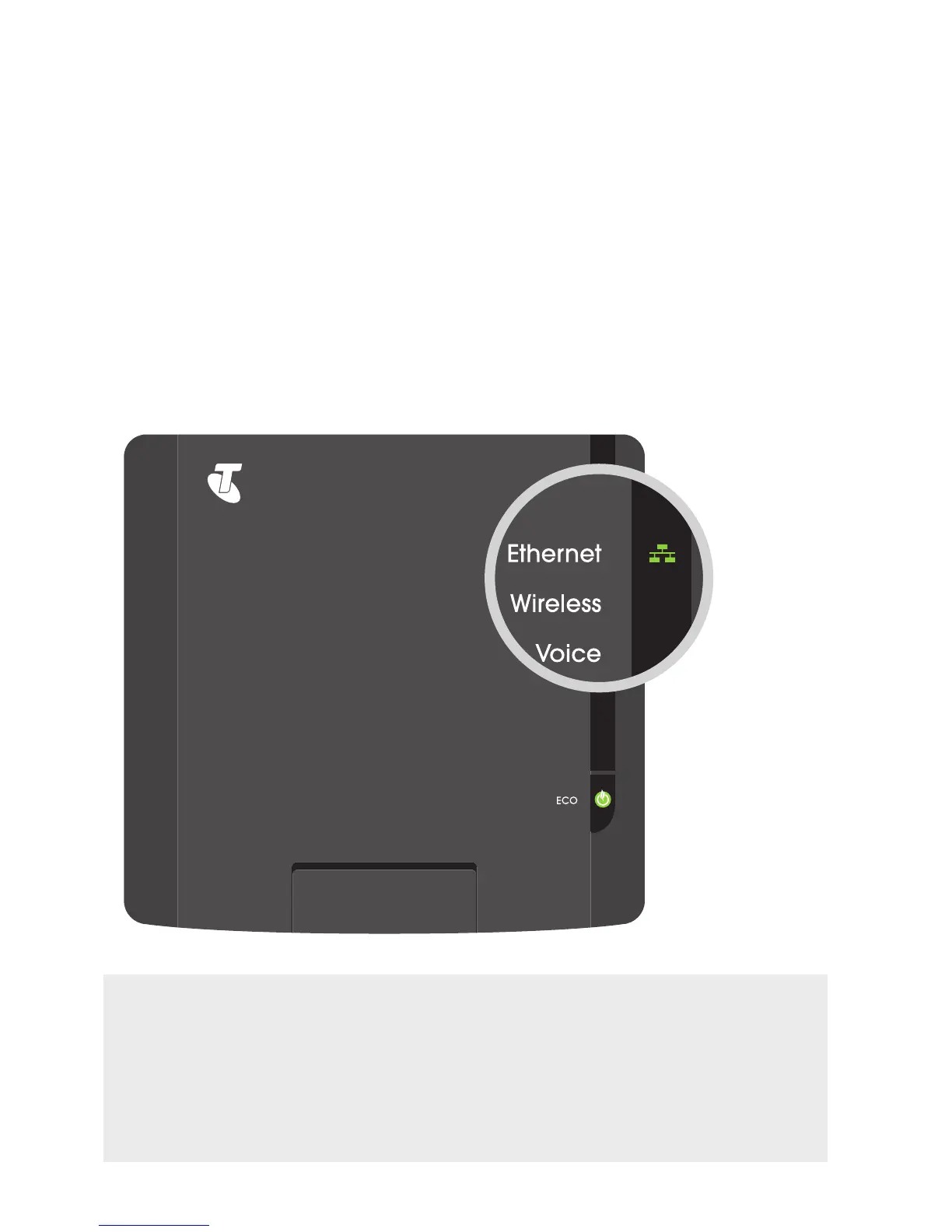
The Ethernet indicator on your T-Gateway (see page 57)
should now be steady or flashing green.
WHAT’S NEXT? GET ACTIVATED!
If you’re setting up your T-Gateway for the first time, you may need to first
activate it to get on the internet. Turn to page 57 and activate your T-Gateway
so you can get online. Otherwise, you’re now ready to go!
If you also want to connect a wireless (Wi-Fi) device to your T-Gateway,
turn to page 36.
{IMAGE OF THE FRONT OF THE
GATEWAY WITH MAGNIFIED VIEW
ON THE ETHERNET LED}



 To Next Page