64
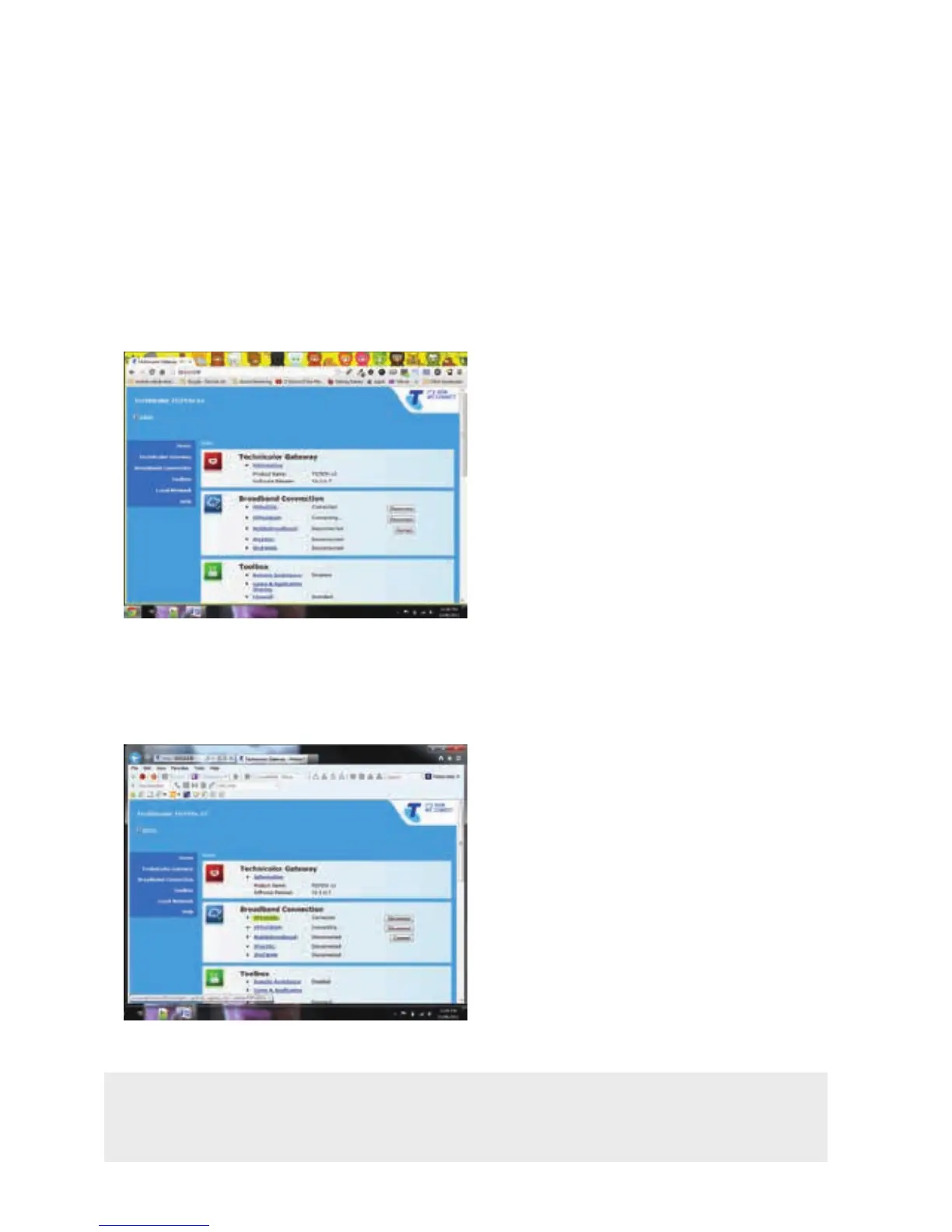
You will now be shown the Gateway Management Interface landing page.
Turn to page 81 for an explanation of what each section means.
STEP 3:
{INSERT IMAGE OF BROWSER + LANDING PAGE}
Under Broadband Connection, click on PPPoEDSL.
STEP 4:
Note: Each time you change your BigPond Internet Password either through
‘My Account’ or through our helpdesk, you must update this password field with
the new one.
{INSERT IMAGE OF GATEWAY INTERFACE}



 To Next Page