TEM A07EXXXX – 1 Unit Transmitters Page 28
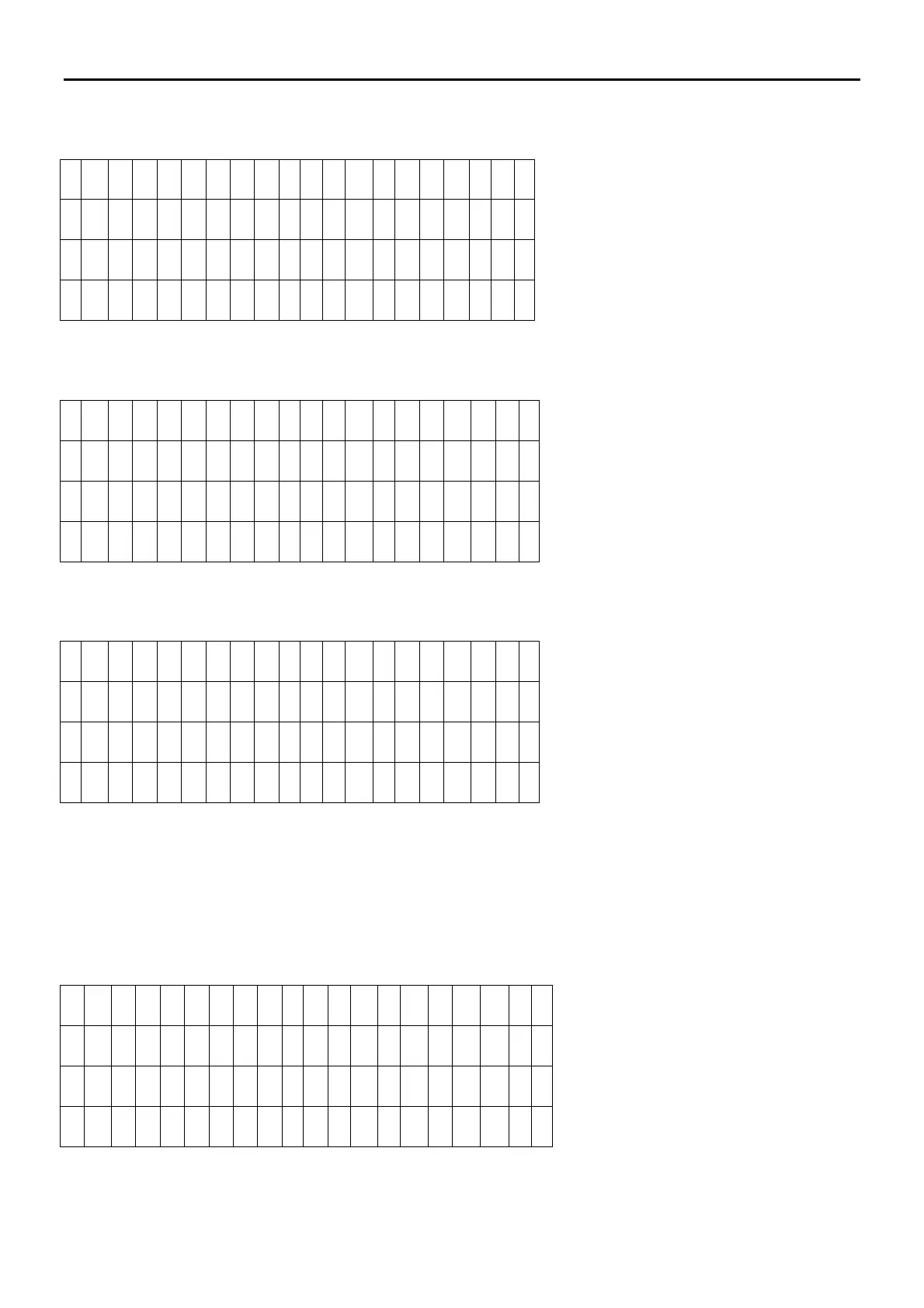
Pressing the UP Switch the 02 page will be shown where the frequency setting menu is available
0
2 F r e q u e
n
c y S e t
F r e q = 9
8 . 0 0 M
H
z
*
* * *
* *
Pressing the OK Switch will be show the possible SET frequency and the Actual Frequency.
0
2 F r e q u e
n
c y S e t
S e t = 1
0
2 . 0 0 M
H
z
F r e q = 9
8 . 0 0 M
H
z
*
* * * * *
After the new frequency selection , press the OK switch to confirm
0
2 F r e q u e
n
c y S e t
F r e q = 1
0
2 . 0 0 M
H
z
*
* * * * *
Now the frequency is changed
Pressing the UP Switch the 03 page will be shown where the RF Output Power setting menu is available
Pressing the OK Switch a flashing cursor will be enabled and by the others Switches will be possible to set the new
RF Power Out.
0 3 R F P o
w
e
r S e t
F r w
P w
r S e
t = 3
0 0 W
F r w
P w
r O
u
t = 5 0 0 W
R
e f P w
r O
u
t = 0 0 0 W


 To Next Page