IV Appendix
This Chapter provides you with more information about how to configure your computer, common
questions and answers, and etc.
This section contains the following items:
Configure Your computer
App
FAQs
Technical Support
Safety and Emission Statement
1 Configure Your computer
Windows 8
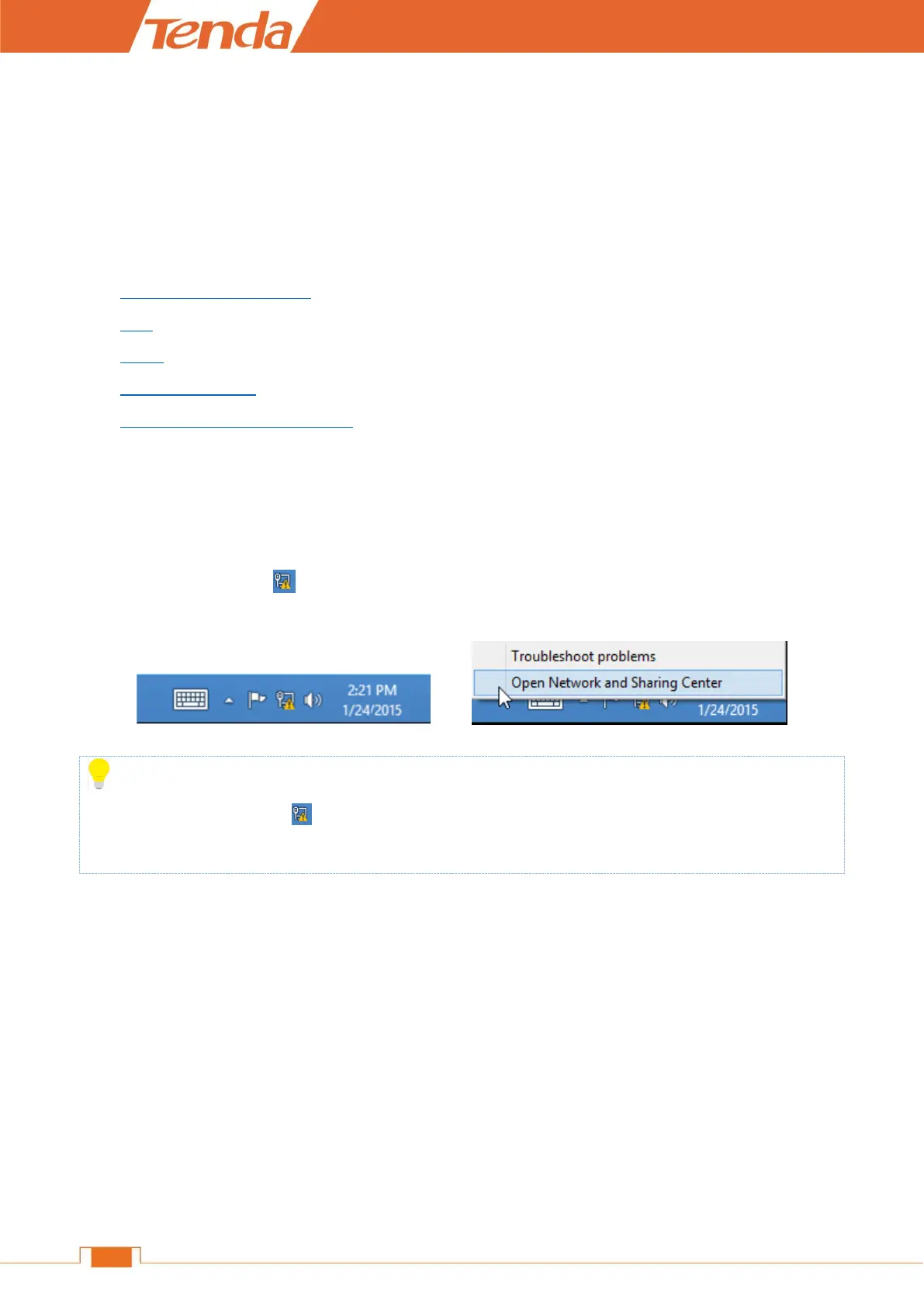
❶ Right click the icon on the bottom right corner of your desktop. Click Open Network and
Sharing Center.
>
Tips
If you cannot find the icon , please move your cursor to the top right corner of your desktop, select
Settings > Control Panel > Network and Internet > Network and Sharing.
❷ Click Ethernet > Properties.


 To Next Page
 Loading...