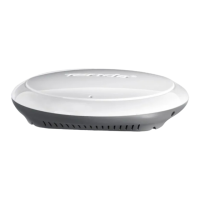
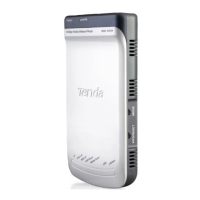
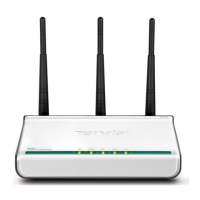
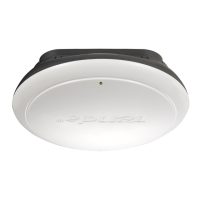
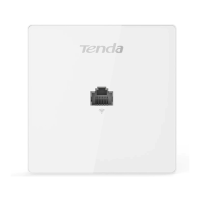
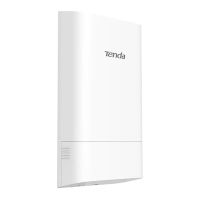
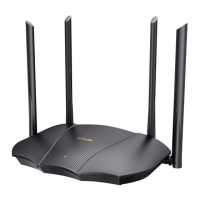
300M Wireless AP
11
Windows 7
1. Click the icon at the bottom right corner on your desktop;
Tip --------------------------------------------------------------------------------------------------------------------------------------
If you cannot find the icon , try disabling the wired network adapter or unplug the Ethernet cable from the
wired network adapter of your PC and refresh your desktop. If the problem remains unsolved, click Start >
Control Panel > Network and Internet > Network and Sharing Center, right click Wireless Network Connection and
click Connect/Disconnect. Steps for this are similar to the following.
-----------------------------------------------------------------------------------------------------------------------------------------------
2. Select the wireless network you wish to connect and click Connect;


 To Next Page
 Loading...