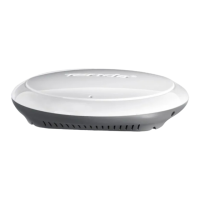
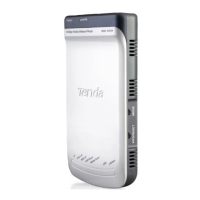
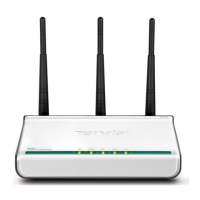
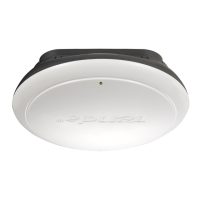
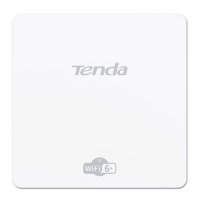
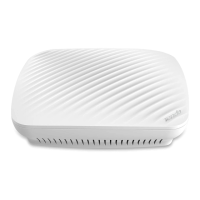
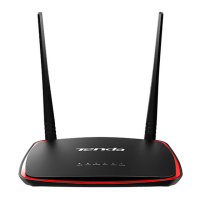
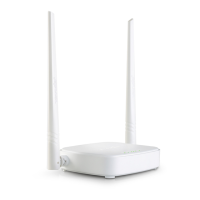
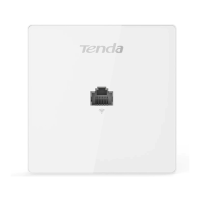
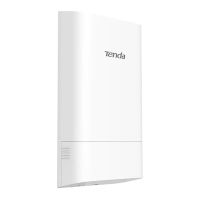
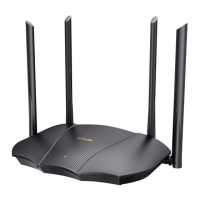
300M Wireless AP
9
Step 6: Check the network topology as shown below:
Connect to a Power Outlet with the Included Power Adapter
Step 1: Insert the Ethernet cable and power cord into the bracket;
Step 2: Install the bracket onto the ceiling (Drill 4 holes on the ceiling, maneuver the bracket until it fits in
the holes on the ceiling and then fix the bracket onto the ceiling with the included screws.);
Step 3: Connect the Ethernet cable and power cord to the device;
Step 4: Fix the device onto the bracket;


 To Next Page
 Loading...