4.10-1 Status Menu
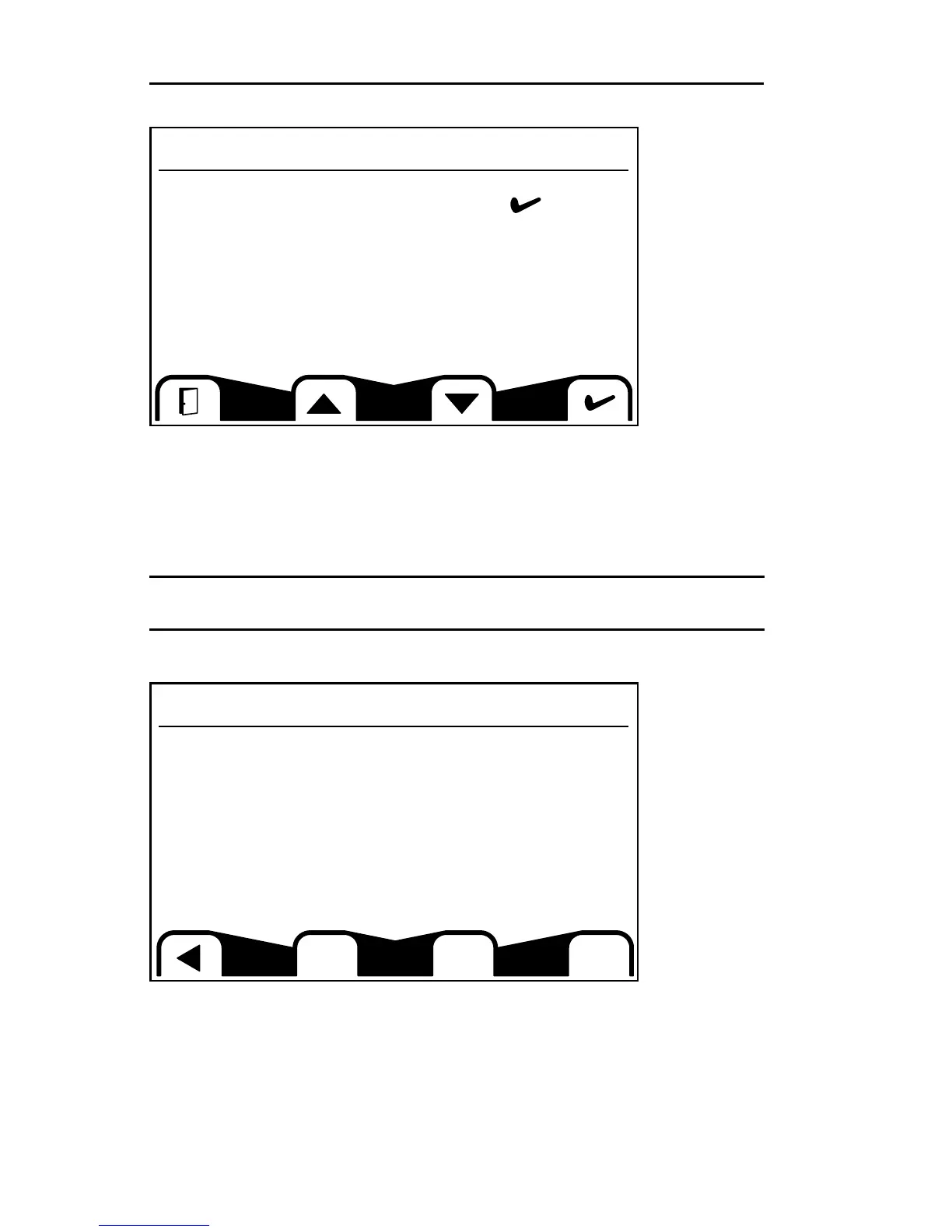
This screen allows you to monitor the status of various systems and features. If
the selection bar is not visible, press one of the buttons beneath the screen to
bring up the selection bar, then use the buttons beneath the up and down arrows
to select a sub-menu. Once you have made your selection, press the button
beneath the check mark to confirm.
Note: Any time the open door icon (lower left corner, above) is present, you may
press the button beneath it to return to Gauge Screen 1.
Config Status Screen
This screen allows you to view the current:
• Propel Mode (ISO or H)
• Max Speed (adjustable to limit machine performance as needed)
• Lift Arm Speed (adjustable to limit lift arm performance as needed)
• Auto Idle (enabled or disabled)
• Fan Reversal Interval (if equipped) (interval between fan pitch reversal)
4 MACHINE DESCRIPTION / CONTROLS
48
Status Menu
Config Status
Machine Status
Active Faults
Seat Status
Software Status
Config Status
Propel Mode ISO
Max Speed %: 100
Lift Arm Speed %: 95
Auto Idle: Enable
Fan Rvs Min: 15


 To Next Page
 Loading...