5. Setting up measurement system
49
5.2.2 Renaming instruments.
Logger:
1
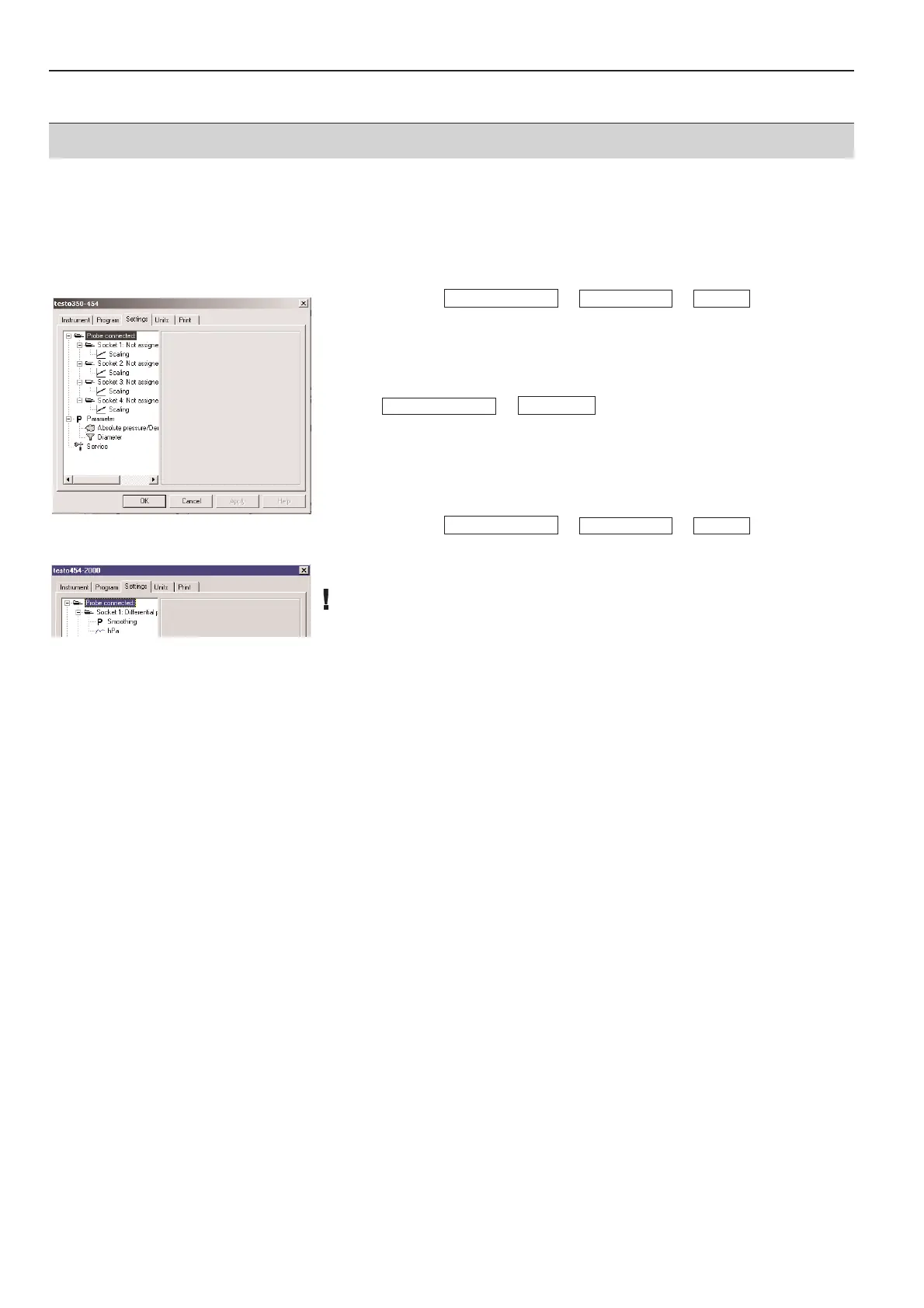
Select Device -> -> -> .
3
Enter name and confirm with OK.
Powerbox:
1
Mark instrument.
2
Open context menu.
3
Select -> .
4
Enter name and confirm with OK.
5.2.3 Entering names specific to channel.
1
Select Device -> -> -> .
2
Select channel in left window.
3
Enter name and confirm with OK.
Only four characters are possible.
ServiceSettings
Device control
Powerbox
Device control
ServiceSettings
Device control



 To Next Page