6. Measurement example
50
6.1 Measuring and saving with Control Unit and
a logger
6.1.1 Initial operation
·
Control Unit and logger are connected to each other.
·
Probes are connected to measuring instrument.
·
Instrument is switched on.
No program should be activated ( = programm activated).
Deactivate program:
Click on -> Memory-> Program -> Delete.
-> Memory -> Program -> Info can read the last program and click on to
reactivate.
6.1.2 Measuring
After being switched on, the current readings are shown in the measurement menu.
6.1.3 Saving readings
Assign function button with and confirm function button.
-
The readings are saved in the instrument to which the probe is connected, at the
selected location.
6.1.4 Printing out the current reading
Assign function button with and confirm function button.
-
The current readings of all the probes of the instrument shown in the display are prin-
ted out.
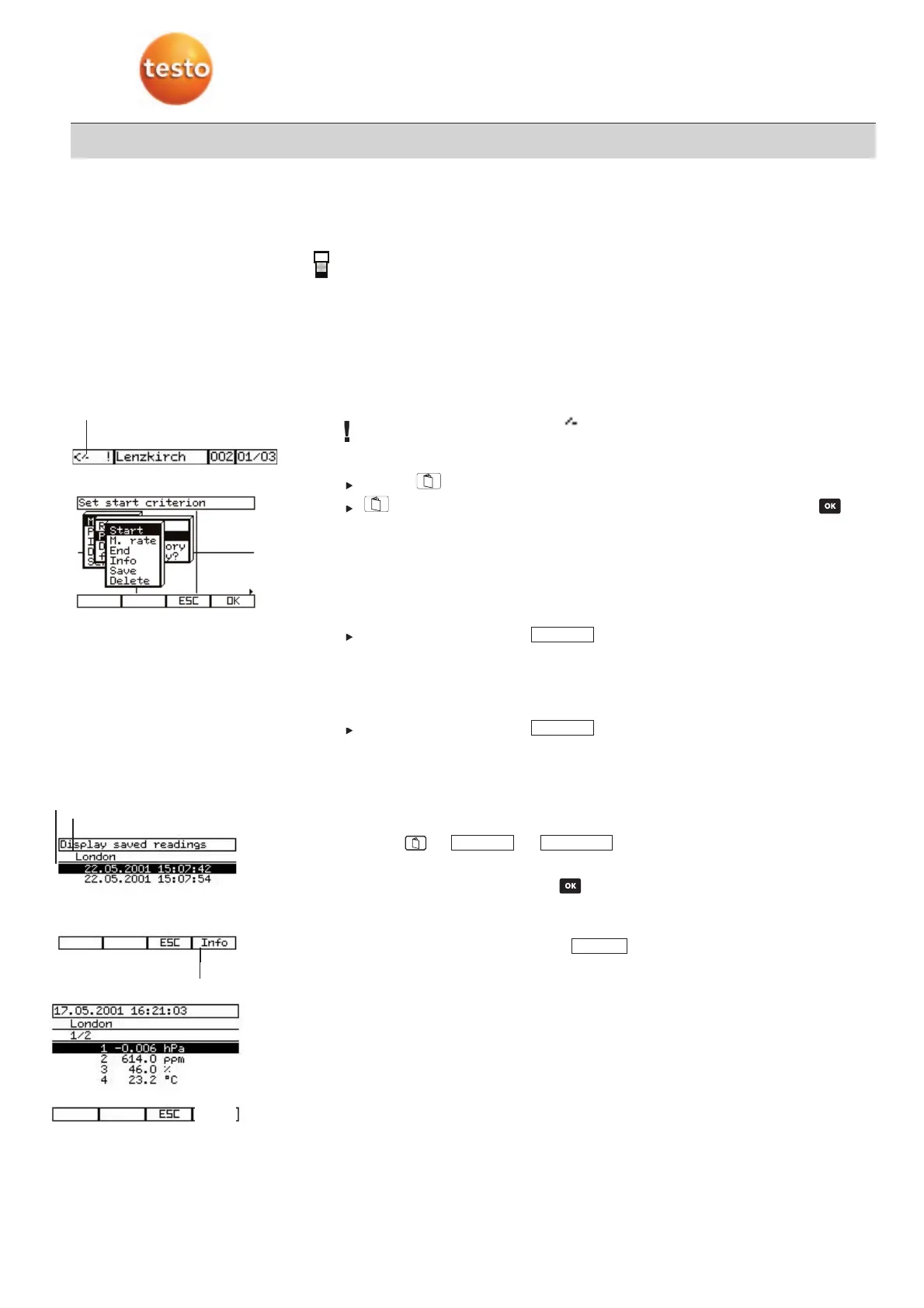
6.1.5 Display and print out stored data.
1
Select location.
2
Select -> –> .
-
The data records stored at this location are displayed.
3
Select required data record with .
-
The stored readings are displayed line by line. They are differentiated by date and
time.
4
Print stored readings by activating .
Print
Read ooutMemory
Print
Save
6. Measurement example
Program activated
Storage location
Data record
Program
information
PPrriinntt



 To Next Page