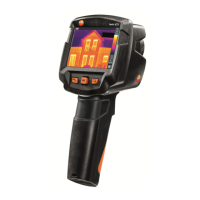
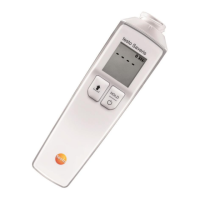
5 WLAN connection - using the App
17
2 - Press Connect.
The WLAN connection to the thermal imager is established.
5.1.2 Select display
Second display
- The thermal imager is connected via WLAN.
1 - Selection -> 2nd display
The display on the thermal imager is shown on your mobile end
device.
Remote
- The thermal imager is connected via WLAN.
1 - Selection -> Remote
The display on the thermal imager is shown on your mobile end
device. The thermal imager can be controlled and settings made via
the mobile terminal device.
Gallery
- The thermal imager is connected via WLAN.
1 - Selection -> Gallery
The saved images are displayed and can be managed.



 To Next Page