7 Maintenance
39
7.4.3 Update with the camera
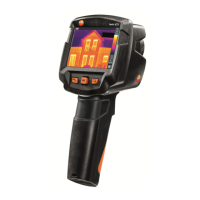
7.4.3.1 Prepare camera
- Battery is fully charged or charger is connected to the camera.
1 - Switch on camera.
2 - Open the interface cover.
3 - Connect computer with the camera through USB cable.
Camera is displayed as storage media device in
Windows-Explorer.
7.4.3.2 Execute Update
1 - FW_T87x_Vx.xx.bin- with Drag & Drop into the storage media
device.
2 - Eject storage media device.
3 - Disconnect USB connection.
4 - Switch off camera.
5 - Switch on camera: Update is executed.
6 - See Progress display.
Update successfully done. Current Firmeware version
is displayed.



 To Next Page