7 Maintenance
37
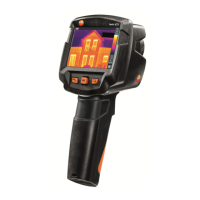
7.3 Cleaning the instrument
Cleaning the instrument housing
- The interface terminal is closed.
- The battery compartment is closed.
1
- Rub down the surface of the instrument with a damp cloth. Use mild
household cleaning agents or soapy water for this.
Cleaning the lens and display
1
- If the lens is dirty, clean it with a cotton bud.
2 - If the display is dirty, clean it with a cleaning cloth (e.g. microfibre
cloth).
7.4 Firmware Update
The current Firmware version can be found on www.testo.com.
There are two update options:
∑ Update with IRSoft or
∑ Update directly with the thermal imager
Downloading the Firmware
1 - Download the following Firmware: Firmware-testo-865-872.exe
2 - Unpack file: doubleclick the exe-file
FW_T87x_Vx.xx.bin is stored in a selected file.
7.4.1



 To Next Page