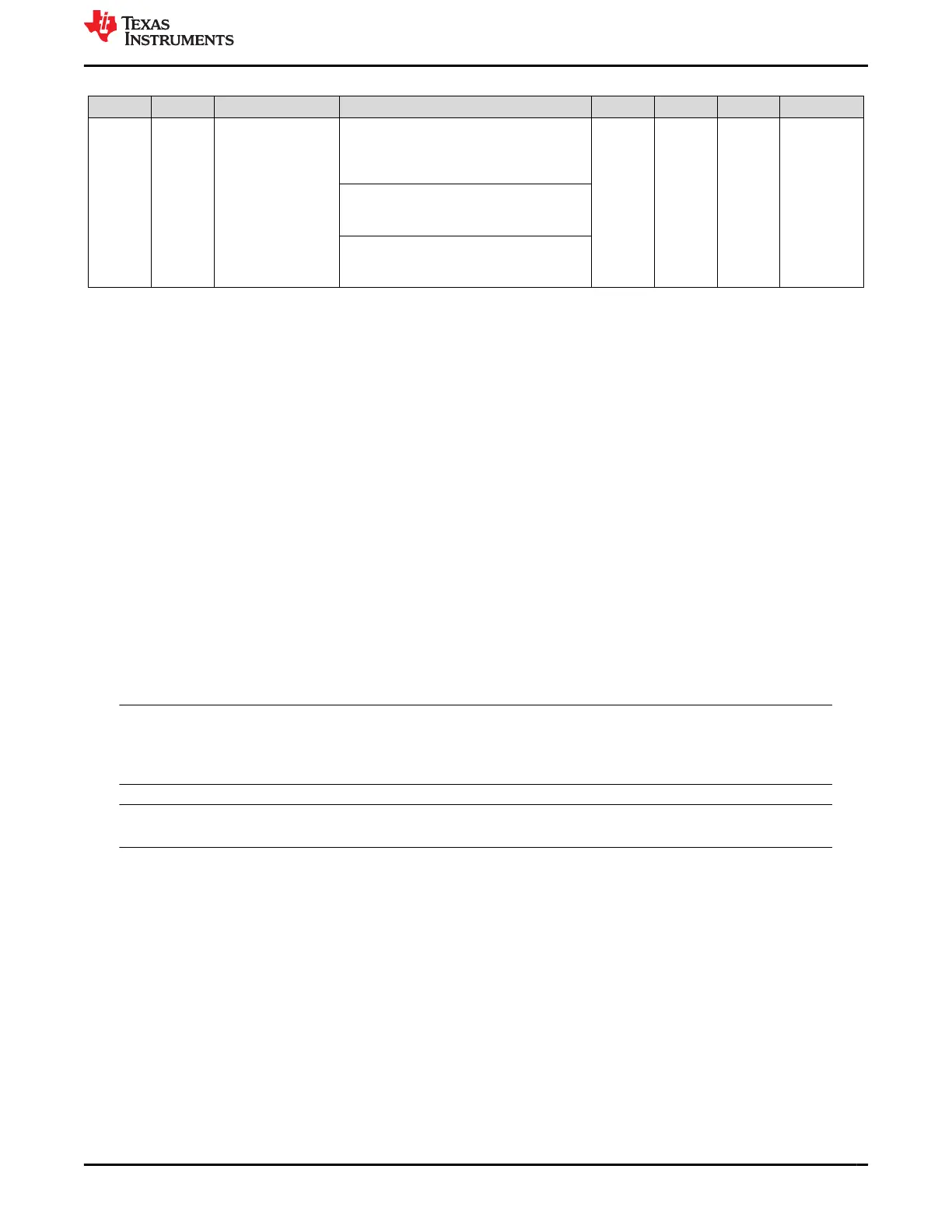
Table 4-11. 4-Pin Dip Switch Modes (continued)
Mode SW[4:1] Feature LED Description LED D14 LED D15 LED D16 USB2MDIO
15 1111
LOOP: Read data
continuously from
a list of registers
loaded to the MC
To upload a list of registers to continuously
read from with USB-2-MDIO: Write the hex
value of the register you want to add to the
list to the register address "LOAD"
Red
Green
Red
Green
Red
Green
Yes
(1)
To begin reading data continuously with
USB-2-MDIO: Read the register address
"OPEN"
To stop reading data continuously with
USB-2-MDIO: Read the register address
"STOP"
(1) During the loop for Mode 15, USB-2-MDIO is not operational. However, other serial port terminals (that is, PuTTY) can be used to view
real-time data.
When running switch mode 15, data is constantly sent to the serial port. USB-2-MDIO is not capable of
supporting the constant read feature. However, other serial port terminals, that is, PuTTY, can be used. When
using a serial port terminal, copy and paste data. Do not enter in the data slowly, because the firmware executes
as soon as the data is received.
To load a list of registers to read data from, follow this data format:
##LOADAAAAB/
• ## = Two digit PHY ID expressed in decimal form
• LOAD = the string 'LOAD' indicates to the MC to add a register to the list
• AAAA = Four character Register Address to read data from in hex form (that is, Read register 0x133h, set
AAAA = 0133)
• B = use '*' for an extended access read and '=' for a direct access read
• / = end string with '/'
For example, to load register 0x462h with PHY_ID = 1 with extended access, copy and paste the following
command into a serial com terminal: 01LOAD0462*/
To start reading data, continuously copy and paste the following into the serial com terminal: OPEN
To stop reading data, continuously copy and paste the following into the serial com terminal: STOP
Note
The OPEN and STOP commands are in no particular position, so the designer can copy OPENSTOP
and paste into the serial com terminal once to start reading data and then paste again to stop reading
data, for example.
Note
When the read loop is stopped, the list of registers to read is cleared.
www.ti.com Configuration Options
SNLU237A – SEPTEMBER 2018 – REVISED JANUARY 2024
Submit Document Feedback
DP83869 Evaluation Module 15
Copyright © 2024 Texas Instruments Incorporated







 To Next Page