Remote Control Panel Features (Rev. 04/03)
29
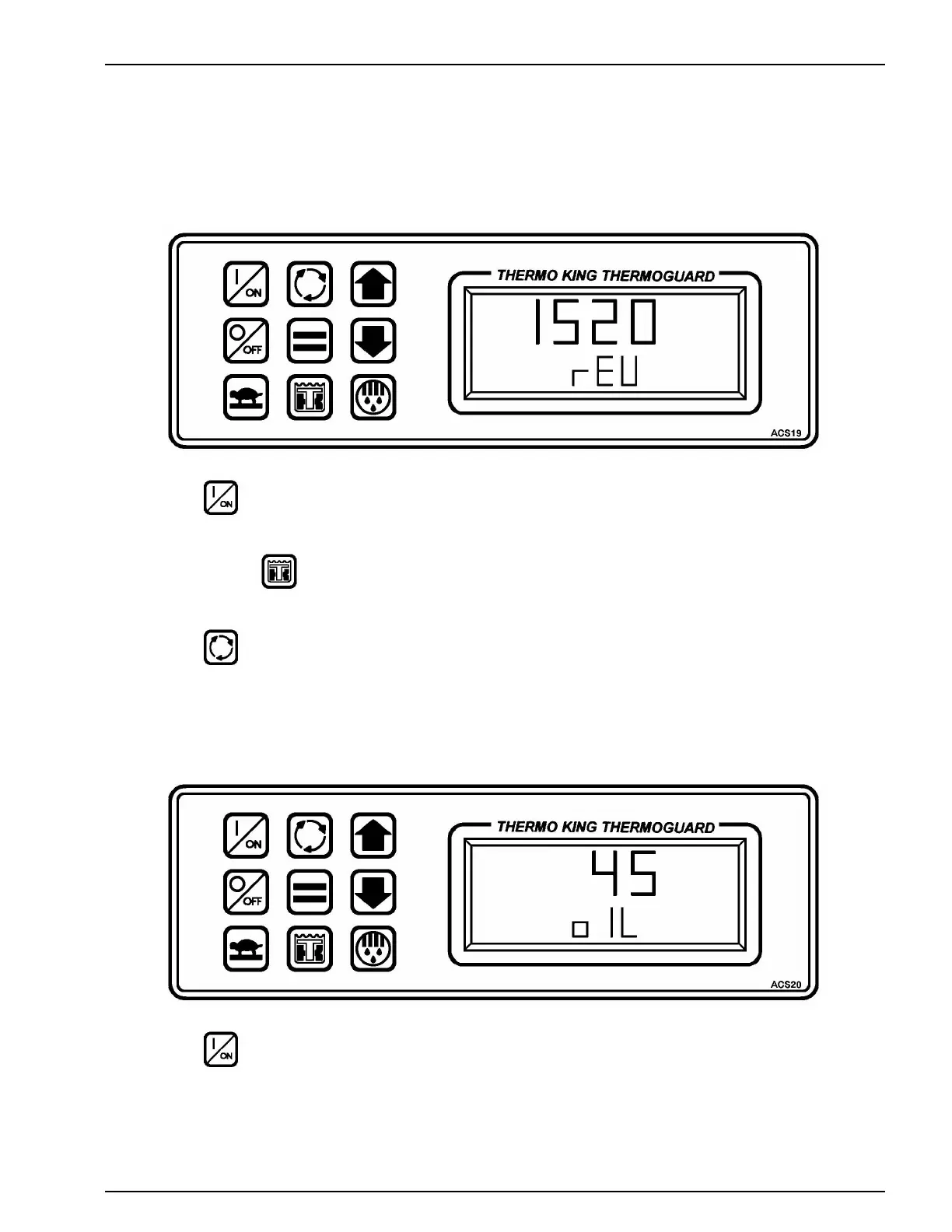
CHECKING THE SOFTWARE REVISION
1. Press the ON key to turn the unit ON.
2. Press and hold the TK Logo key to display [USC].
3. Press the Select key to display [rEU] and the software revision.
The software revision shown here is Revision 1520.
VIEWING PROMPT and DISPLAY SCREENS
1. Press the ON key to turn the unit ON.




 To Next Page