2
Evolution One Series Spectrophotometers
Spectrophotometer Basics
6 Evolution One Series Spectrophotometer User Guide Thermo Scientific
Computer Control
The spectrophotometer can be run from a Windows®-compatible computer connected to the
instrument (Computer Control). Computer Control instruments must be connected to an
external computer with the proper software installed.
Insight Pro Software
All instruments include our Insight Pro™ software for data collection and analysis. See the
Insight Pro Software User Guide.
Connectors
This section shows the locations of the connectors inside and outside the spectrophotometer.
Outside Cover
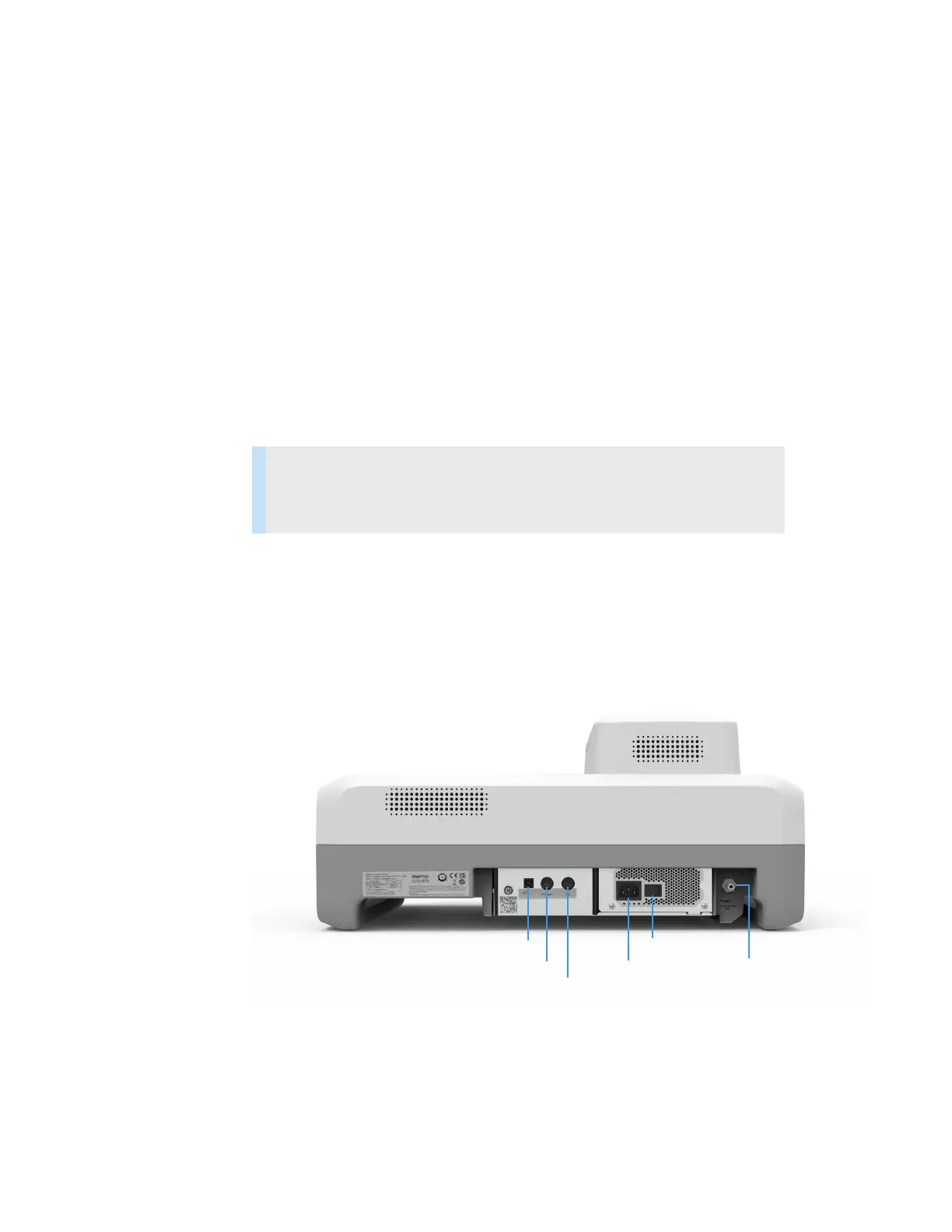
This illustration shows the connectors on the instrument outside cover.
Back view
Contents
• Outside Cover
• Inside the Sample Compartment
Computer
Trigger Power
Power switch
Hg lamp
Purge












 To Next Page