2
Evolution One Series Spectrophotometers
Installing and Removing Accessories
16 Evolution One Series Spectrophotometer User Guide Thermo Scientific
Related Topics
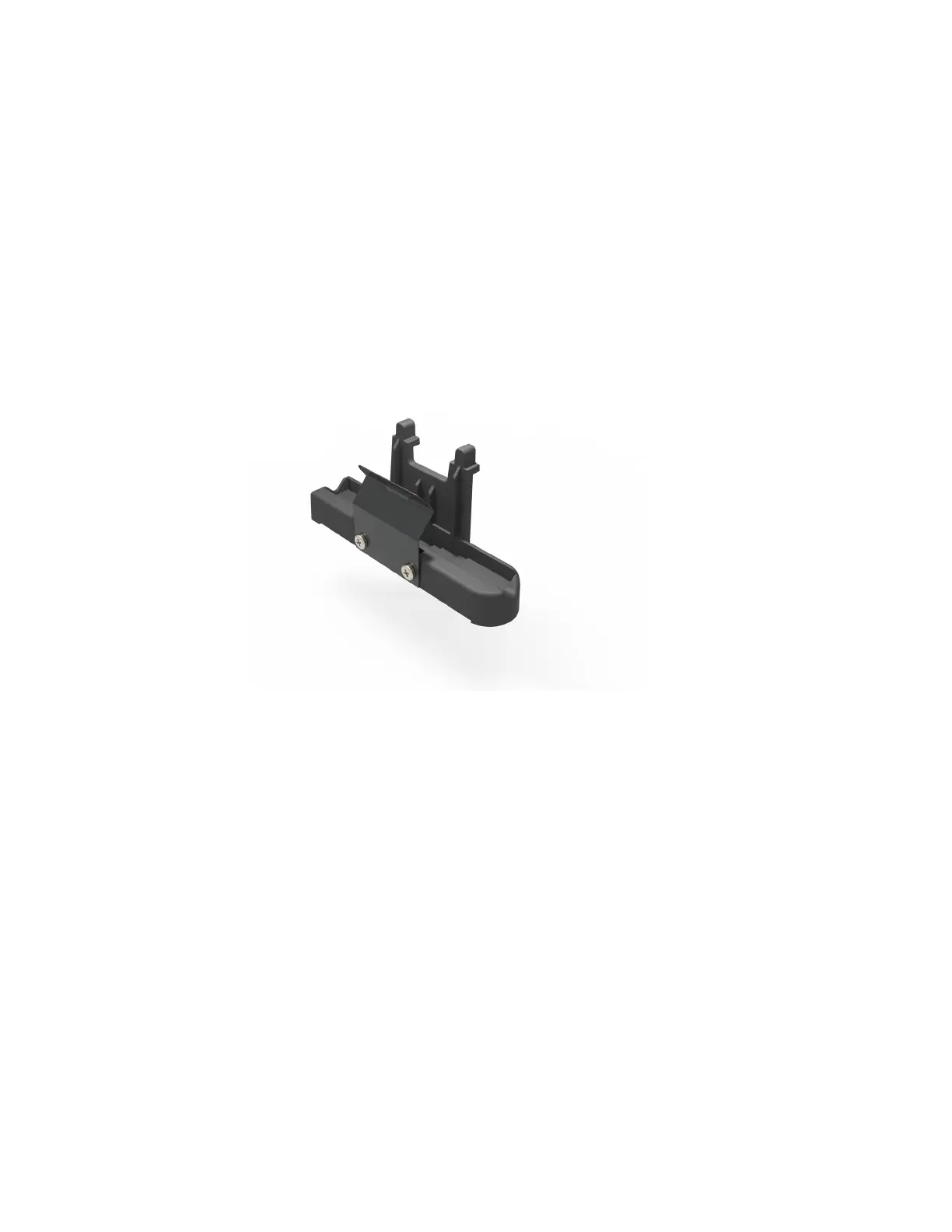
Rectangular Reference Cell Holder
Spectrophotometer Z-height
Rectangular Reference Cell Holder
For measurements with a reference sample, install a reference cell holder in the reference
position. See Installing a Reference Cell Holder.
The standard reference holder accommodates rectangular reference cells with these
pathlengths: 10 mm, 20 mm, 40 mm, 50 mm and 100 mm.
Related Topics
10 mm Rectangular Sample Cell Holder
Installing a Manual Accessory
Manual sampling accessories are mounted on a common baseplate. The kinematic mount
ensures correct alignment of the accessory within the instrument.
It is not necessary to power off the instrument while installing or removing a
manual accessory.












 To Next Page