2
Evolution One Series Spectrophotometers
Installing and Removing Accessories
Thermo Scientific Evolution One Series Spectrophotometer User Guide 17
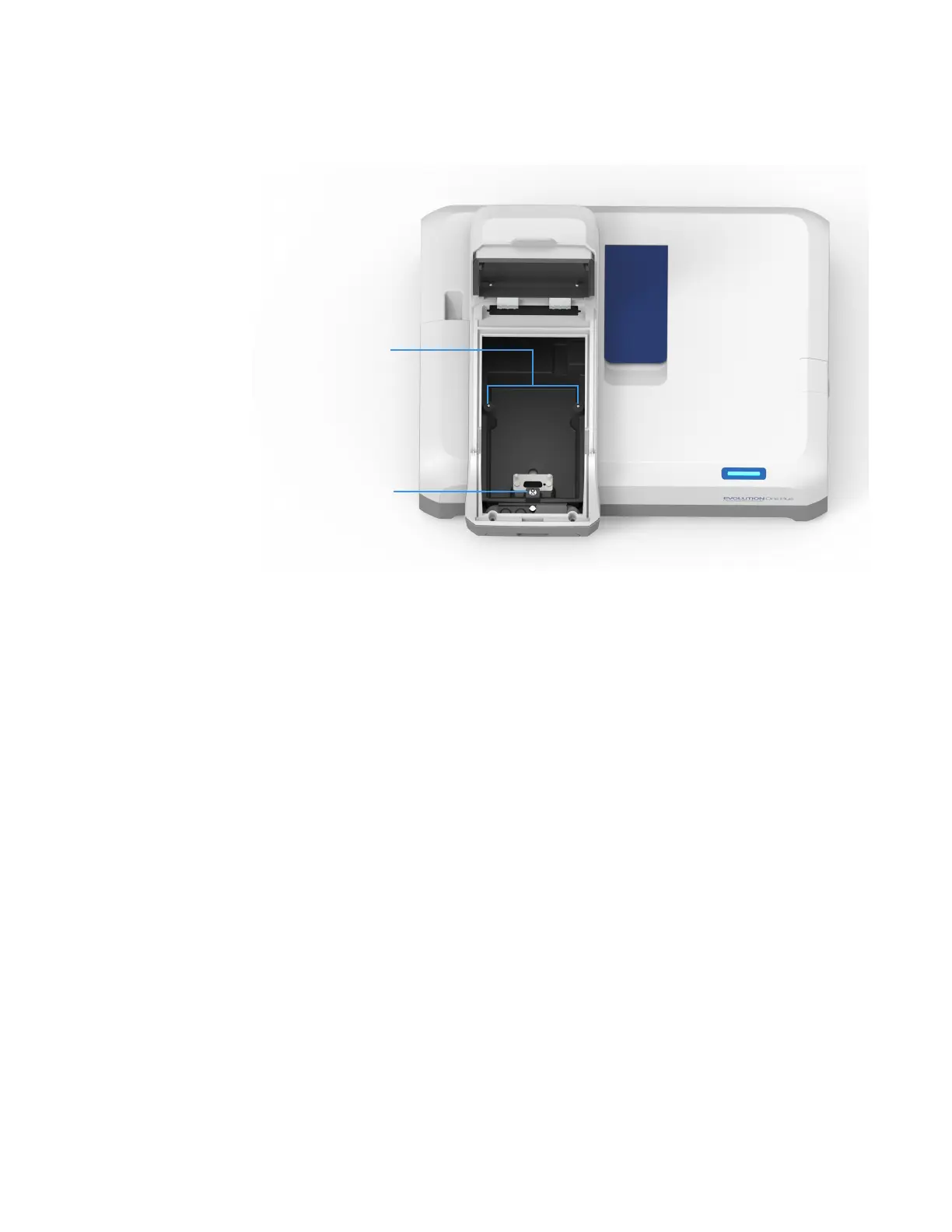
Sample compartment top view
To install a manual accessory
1. Open the sample compartment door. See Opening and Closing the Sample and
Reference Compartment Doors.
2. Remove any accessory from the compartment (see the instructions below).
3. Position the accessory so the two alignment holes on its baseplate fit over pins A and B in
the sample compartment.
4. Gently push down on the front edge of the baseplate until it snaps in place under
the toggle.
5. Close the sample compartment door. See Opening and Closing the Sample and Reference
Compartment Doors.
For operating instructions and installation details, see the user guide for the accessory.
To remove a manual accessory
1. Use the handle or finger hole on the accessory baseplate to release the plate from
the toggle.
2. Lift the plate off the alignment pins and remove the accessory from the
sample compartment.












 To Next Page