2
Evolution One Series Spectrophotometers
Installing and Removing Accessories
Thermo Scientific Evolution One Series Spectrophotometer User Guide 15
Installing and Removing Accessories
Standard Cell Holders
The instrument includes one sample and one reference cell holder. For a list of optional cell
holders and other accessories, click the Evolution One Series Accessories button in the
documentation media.
Related Topics
10 mm Rectangular Sample Cell Holder
Rectangular Reference Cell Holder
10 mm Rectangular Sample Cell Holder
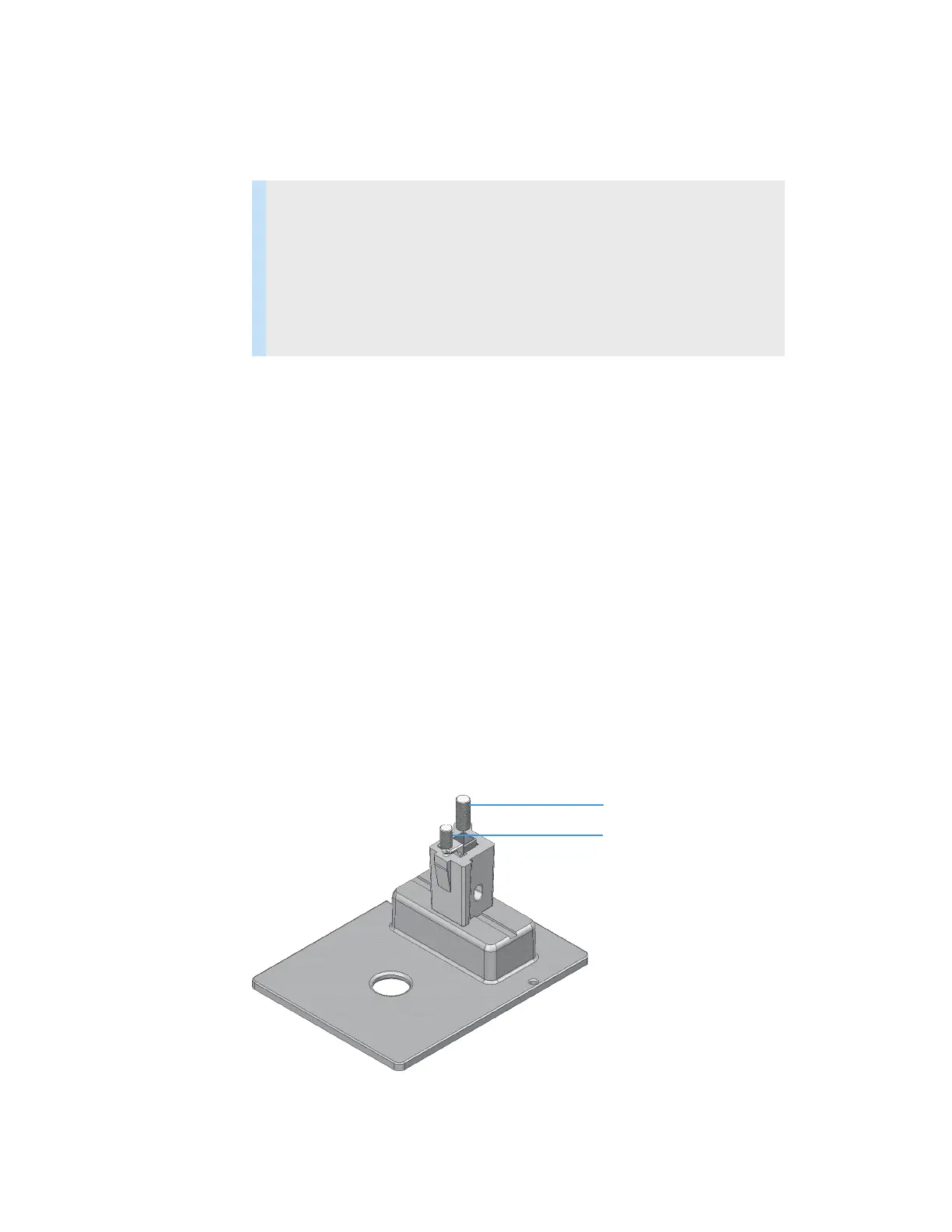
This single-cell holder is mounted on the standard baseplate and accommodates standard 10
mm pathlength cells. See Installing a Manual Accessory.
Use the cell lifter to raise the cell for easy removal. This cell holder allows fine adjustment of
the vertical and horizontal position of the cell. This feature is useful for aligning reduced
volume and microcuvettes with the light beam. See z-height.
Contents
• Standard Cell Holders
• Installing a Manual Accessory
• Installing a Smart Accessory
• Installing a Liquid Thermostatted Accessory
• Installing a Reference Cell Holder
Cell lifter and vertical alignment
Horizontal alignment












 To Next Page