2
Evolution One Series Spectrophotometers
Installing and Removing Accessories
22 Evolution One Series Spectrophotometer User Guide Thermo Scientific
Related Topics
Installing a Smart Accessory
Installing a Manual Accessory
Installing a Reference Cell Holder
Installing a Reference Cell Holder
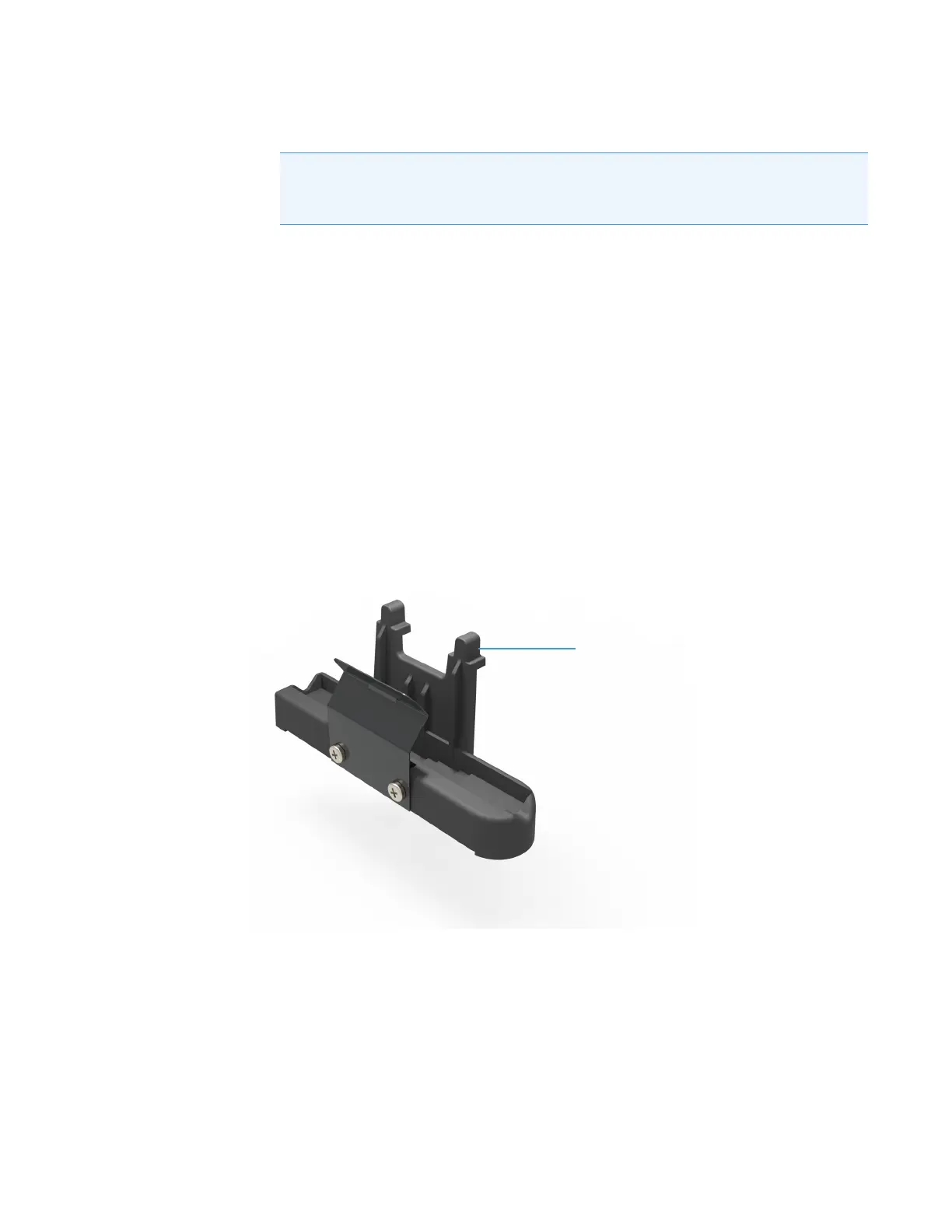
To install a reference cell holder
1. Open the reference compartment cover. See Opening and Closing the Sample and
Reference Compartment Doors.
2. Grasp the cell holder by the handle and lower it into the reference compartment.
3. Insert the pin in the alignment hole and press the holder in place.
4. Close the reference compartment cover.
For descriptions of the available reference holders, see Reference Cell Holders or search for that
name in the Insight Pro Help system.
Note Ensure the tubing does not obstruct the light beam or prevent the sample
compartment door from closing. If necessary, secure the tubing using the
supplied clips.












 To Next Page