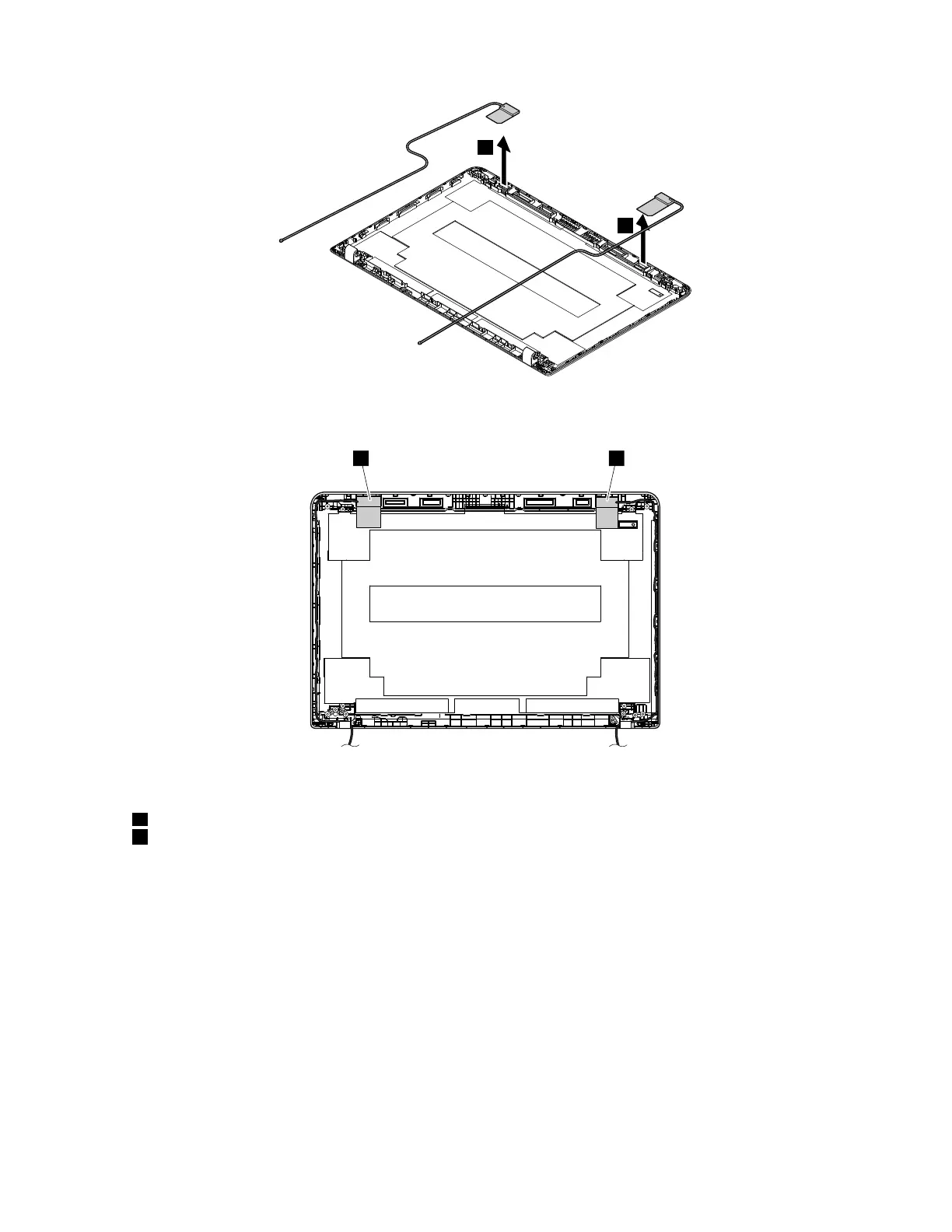
Attention:Whenyouroutethecables,ensurethattheyarenotsubjecttoanytension.Tensioncouldcause
thecablestobedamagedbythecableguides,orawiretobebroken.
Antennalocations
aWireless-LANauxiliaryantenna(black)
dWireless-LANmainantenna(gray)
Chapter9.RemovingorreplacingaFRU99



 To Next Page