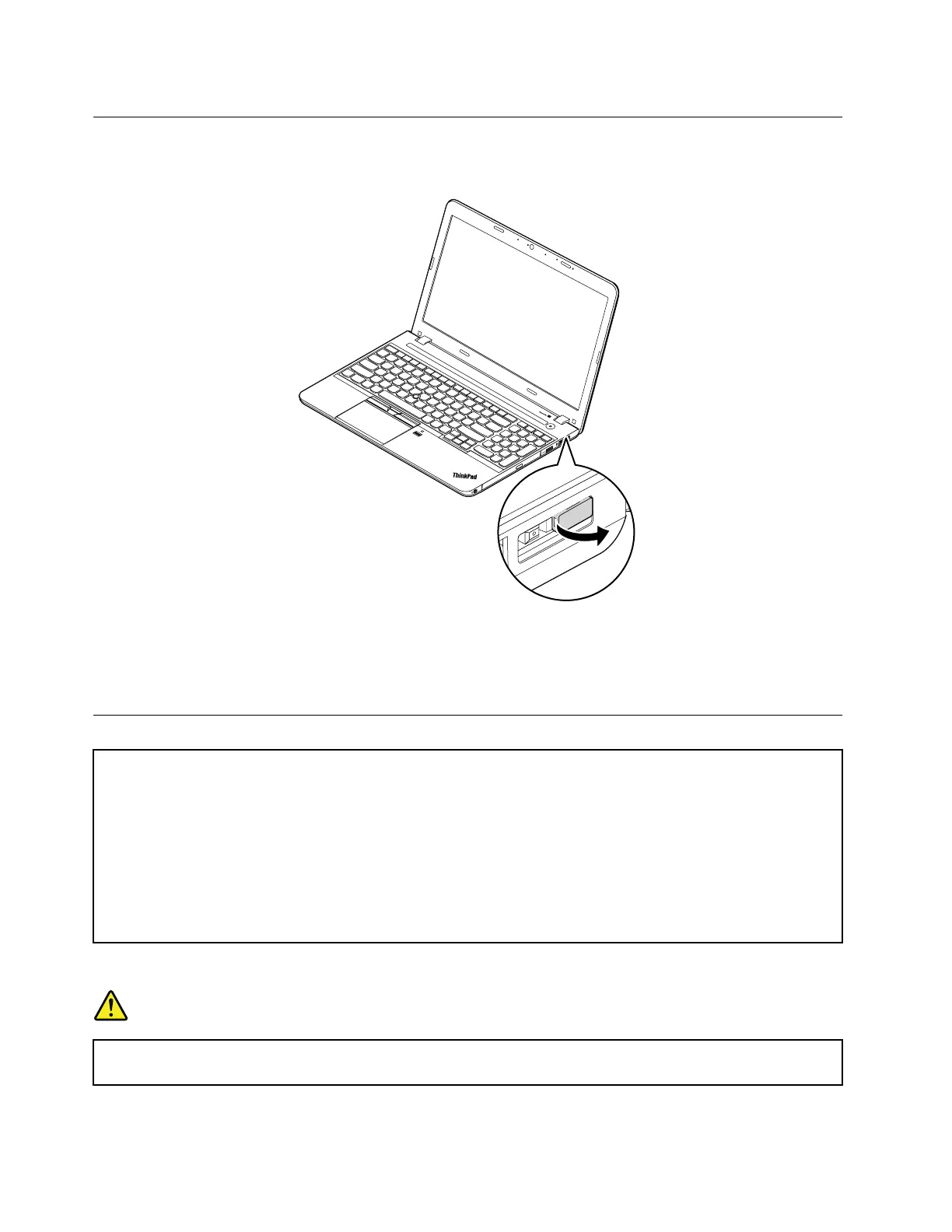
1010Lenovo-OneLink-connectorcover
RemovalstepsoftheLenovo-OneLink-connectorcover
Notes:
•Dependingonthemodel,yourcomputermightlookdifferentfromtheillustrationabove.
•EnsurethatyoureattachtheconnectorcovertotheLenovoOneLinkconnectorafterfinishingtheservicing.
1020Batterypack
Importantnoticeforreplacingabatterypack
Attention:Lenovohasnoresponsibilityfortheperformanceorsafetyofunauthorizedbatteries,andprovidesno
warrantiesforfailuresordamagearisingoutoftheiruse.
TheLenovoSolutionCenterprogramprovidesanautomaticbatterydiagnostictestthatdeterminesifthebatterypack
isdefective.AbatterypackFRUshouldnotbereplacedunlessthisdiagnostictestshowsthatthebatteryisdefective.
Theonlyexceptiontothisisifthebatterypackisphysicallydamagedoracustomerisreportingapossiblesafetyissue.
IfLenovoSolutionCenterisnotinstalledinthecomputer,thecustomershoulddownloadthisprogrambeforea
non-physicallydamagedbatterypackisreplaced.Notethataphysicallydamagedbatterypackisanon-warranty
replacementpart.
Removalstepsofthebatterypack
DANGER
Useonlytheauthorizedbatteryspecifiedforyourcomputer.Anyotherbatterycouldigniteor
explode.
66HardwareMaintenanceManual



 To Next Page