Installing the product
14
6
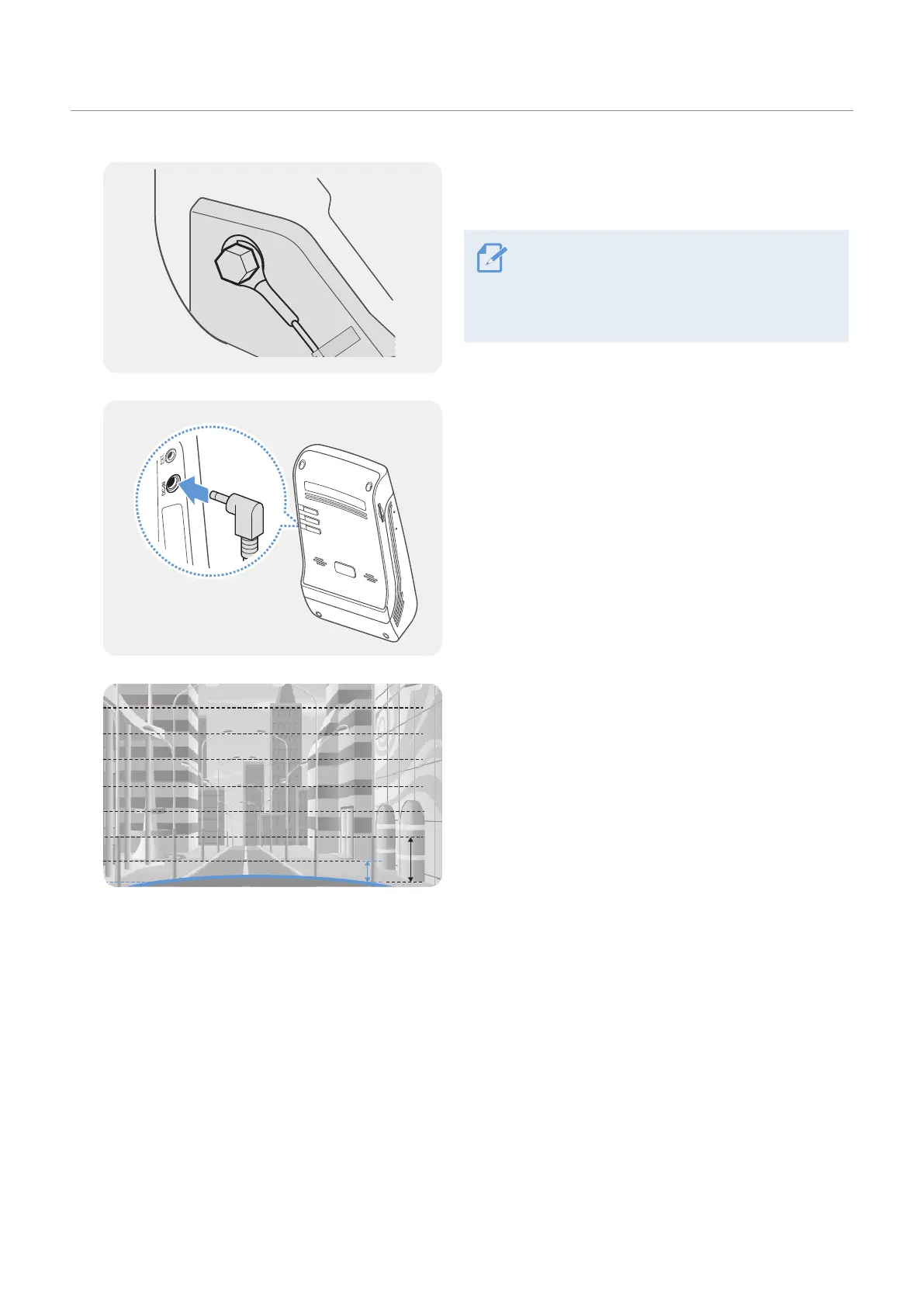
Connect the ground wire (the GND wire) to a bolt
attached to a metallic part of the vehicle’s body.
Normally, the metallic bolt that you can
connect the ground wire to (the GND wire) is
fitted nearby fuse box or the driver seat’s door
interior.
7
Connect the continuous power cable to the product’s
DC-IN power connector and start the engine to make
sure the product operates normally.
Once the product is powered on, the LED indicator
and the voice guidance are turned on.
8
Connect the product to THINKWARE DASH CAM LINK
on your smartphone and adjust the camera angle so
that the hood of the vehicle covers 1/4 - 1/8 of the
screen while viewing the live view screen, as shown
in the image to the left.
For more information about connecting and using the
THINKWARE mobile applications, refer to "4. Using
the mobile viewer" on page 24.



 To Next Page