Product overview
7
1.2 Part names
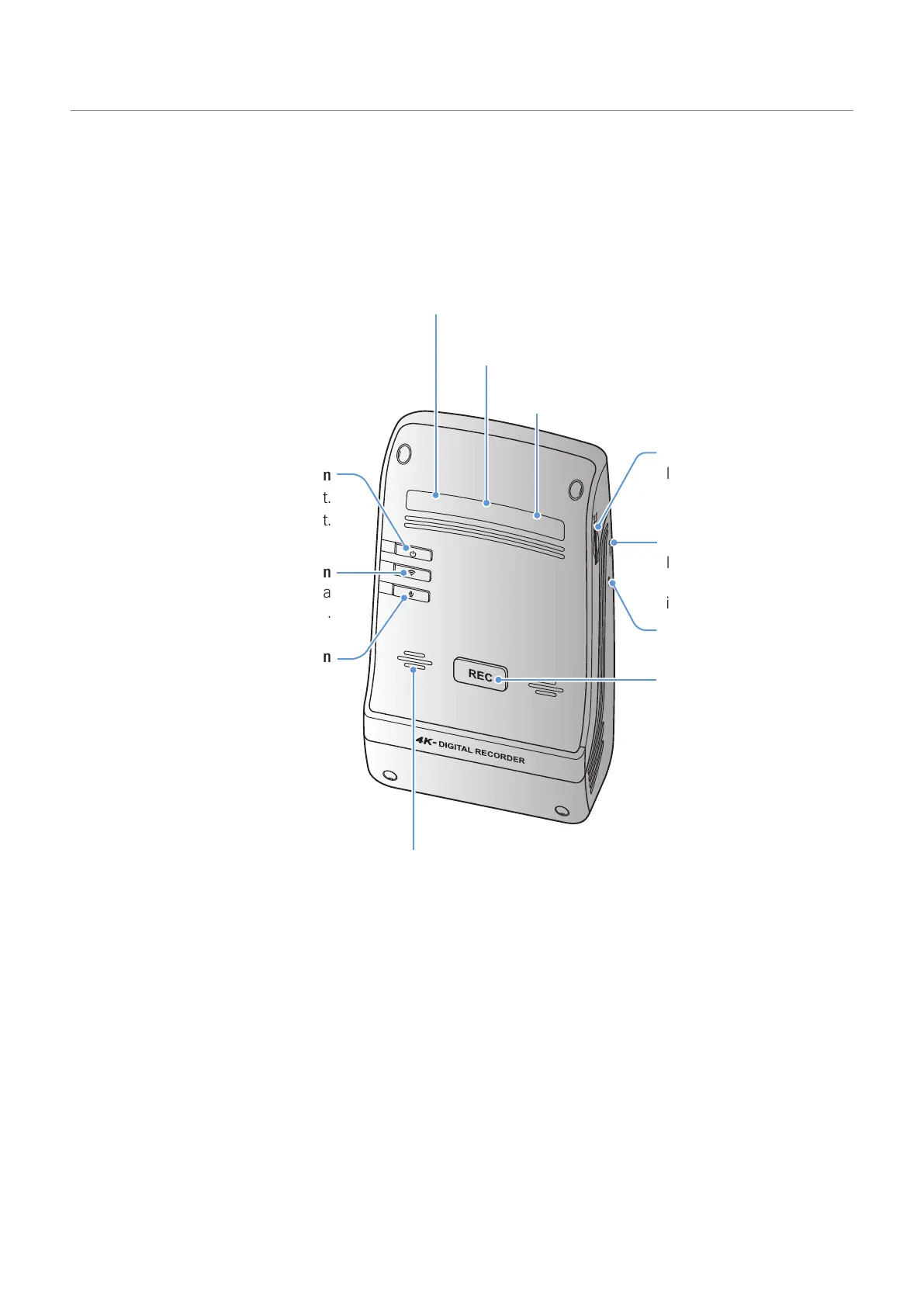
1.2.1 Front camera (main unit) - front view
Wi-Fi LED
Indicates the Wi-Fi connection status.
Recording LED
Indicates the recording status.
GPS LED
Indicates the external GPS receiver status.
Memory card slot
Insert a memory card to
save recordings.
Power button
•
Press and hold to turn off the product.
• Press to turn on the product.
Wi-Fi button
Press to connect the product to a
smartphone via Wi-Fi network.
Voice recording button
Press to enable or disable
voice recording.
Manual recording button
• Press to start manual
recording.
• Press and hold for
3 seconds for SOS
recording.
Speaker
Outputs the voice guide and buzzer sounds to indicate the
product’s status.
Reset button
Insert the tip of a sharp
object to reset the product
if an error occurs.
Microphone
Used for voice recording.



 To Next Page