Settings
32
7.4 Setting road safety features
From the mobile viewer, tap Dash Cam settings
>
Road Safety Settings to manage the road safety features
settings.
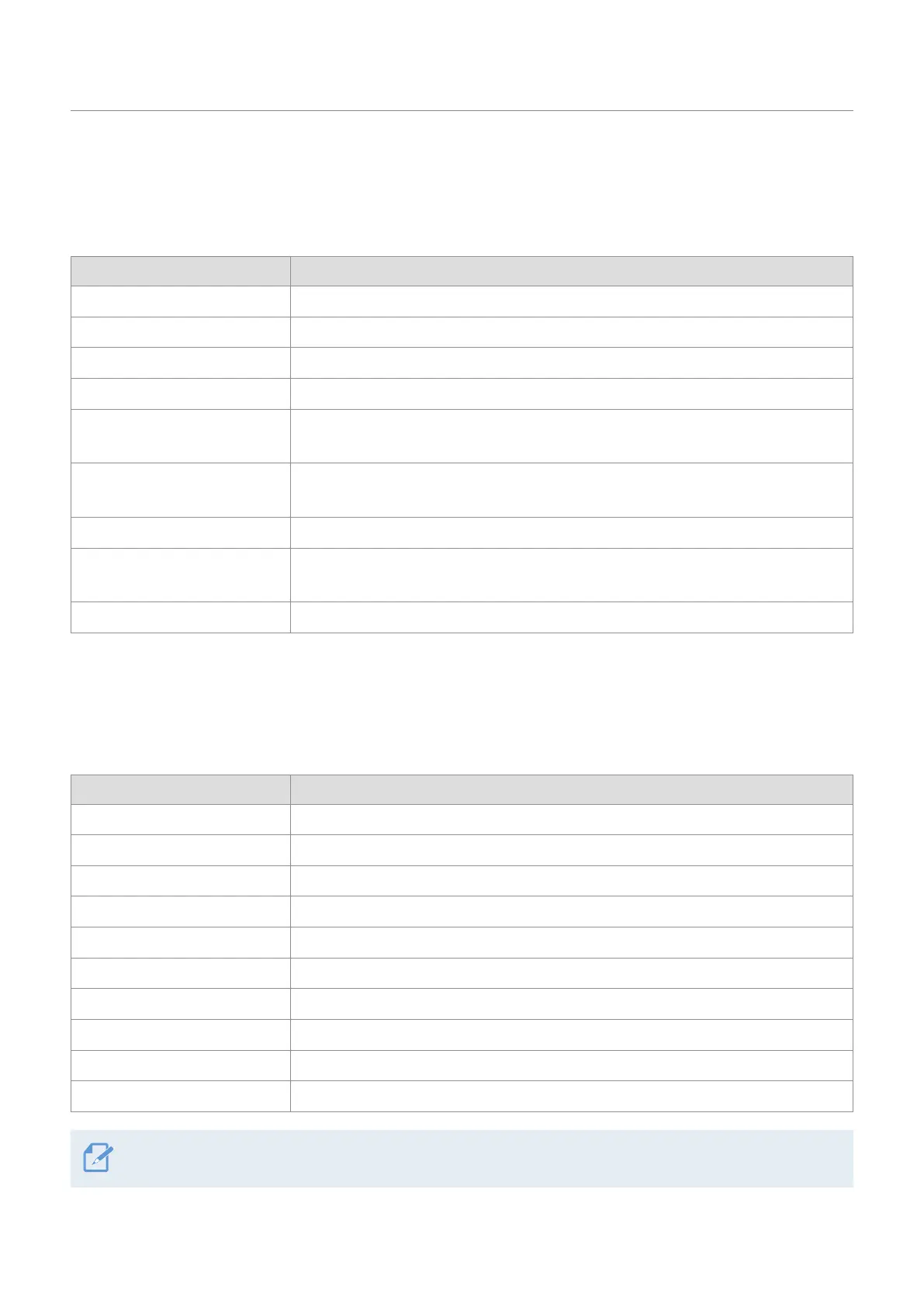
Options Description
Safety Cameras Select from Enabled/Disabled for the safety cameras.
Mobile Zone Alert Select from Enabled/Disabled for the mobile zone alert.
Vehicle Type Select the vehicle type from Sedan/SUV/Truck (Bus).
Initialize ADAS In Initialize ADAS, tap Initialize
>
OK to proceed with initializing.
FVDW (Front Vehicle Departure
Warning)
Select from Enabled/Disabled for the FVDW feature.
FCWS
(Forward Collision Warning)
Select from
Disabled/Low/Mid/High for the sensitivity.
Low Speed FCWS Select from Disabled/Low/Mid/High for the sensitivity.
LDWS
(Lane Departure Warning)
Select from
Disabled/Low/Mid/High for the LDWS sensitivity.
LDWS Speed Select from 50km/h / 60km/h / 80km/h / 100km/h for the LDWS detection speed.
7.5 Configuring the system settings
From the mobile viewer, tap Dash Cam Settings
>
System Settings to configure the hardware system
settings.
Options Description
Language Select the desired language.
Volume Select the desired volume level for each feature (Safety Cameras/ADAS/System).
Security LED Select from Enabled/Disabled for the security LED.
Rear Camera LED Select from Enabled/Disabled for the rear camera LED.
Time Zone Select the date and time.
Daylight Saving Select from Enabled/Disabled for the daylight saving.
Speed Unit Select from km/h/mph for the speed unit.
Speed Stamp Select from Enabled/Disabled for the speed stamp.
Wi-Fi Frequency Band Select from 2.4GHz/5GHz for the Wi-Fi frequency.
Internet Select from Enabled/Disabled for Internet mode.
If you select 0 for the volume level, the voice guidance will be disabled.



 To Next Page