24
4. Using the mobile viewer
You can view and manage recorded videos and configure various product features on your smartphone.
One of the following environments is required to use the THINKWARE DASH CAM LINK application:
• Android 7.0 (Nougat) or higher
• iOS 13 or higher
4.1 Connect the product to a smartphone
1
On your smartphone, open the Google Play Store or Apple App Store and download and install
THINKWARE DASH CAM LINK.
2
Run THINKWARE DASH CAM LINK.
3
Tap Dash cam connection is required. at the bottom of the screen and follow the on-screen instructions
to connect the product to a smartphone.
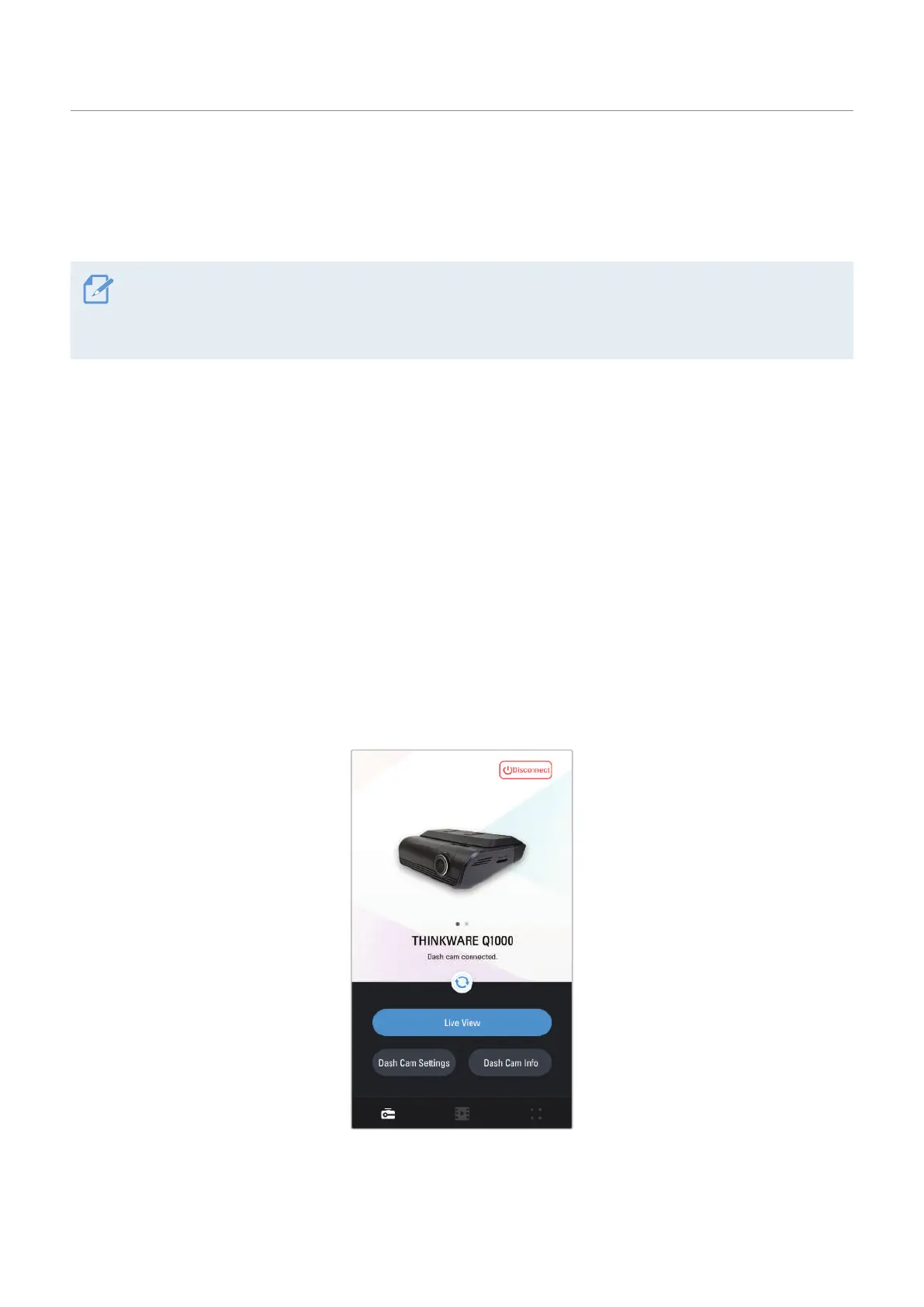
4.2 Viewing the mobile viewer screen layout
The following provides brief information about the mobile viewer’s screen layout.


 To Next Page