25
5. Using THINKWARE CONNECTED
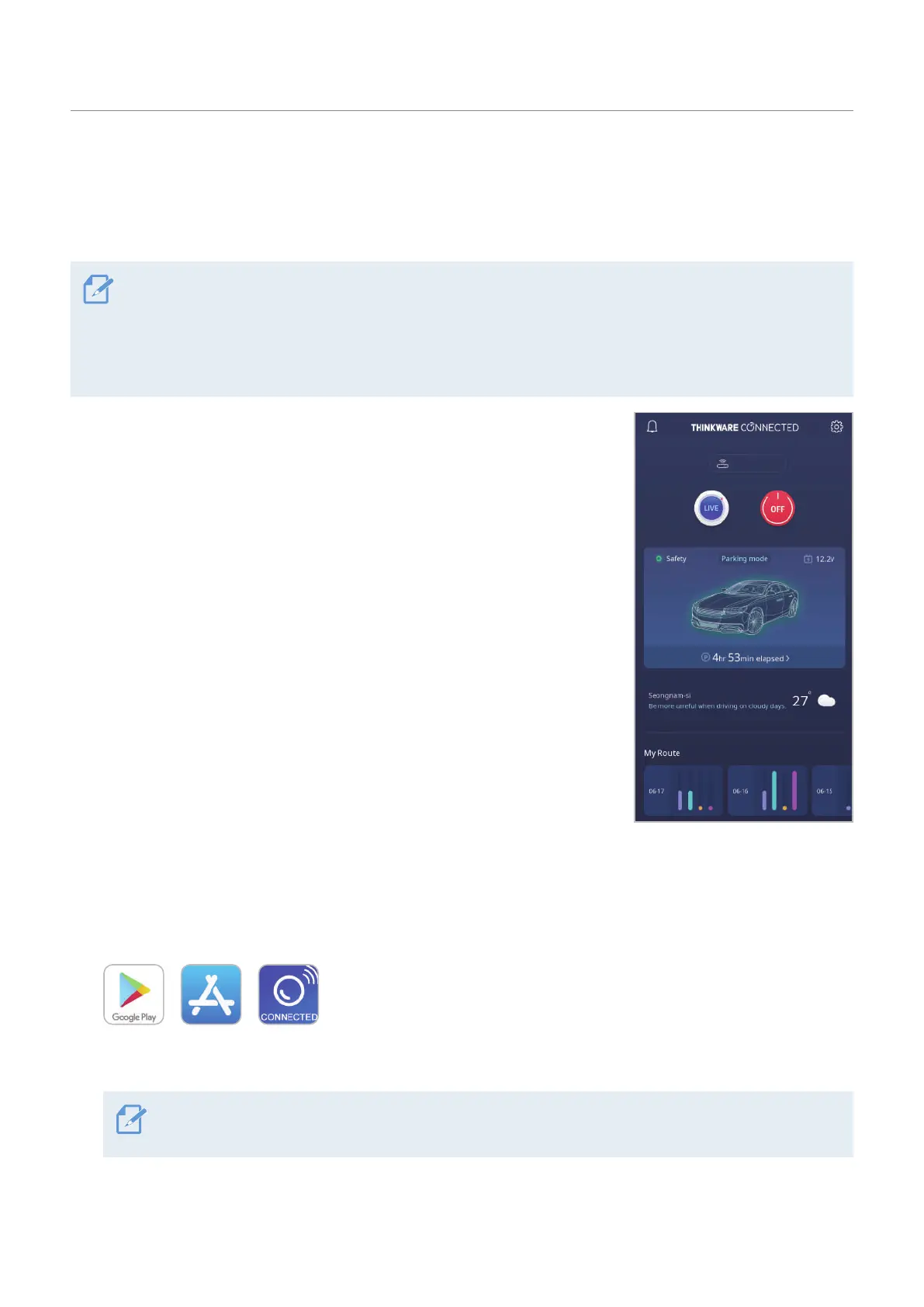
You can view and manage recorded videos and configure various product features on your smartphone.
• One of the following environments is required to use the THINKWARE CONNECTED application:
- Android 7.0 (Nougat) or higher
- iOS 11.4 or higher
• The services and features provided by THINKWARE CONNECTED application may be changed according to
the service policy. Refer to the THINKWARE website (https://www.thinkware.com) for more information.
• Status of the vehicle while driving/parking
• Vehicle battery voltage status
• Dash cam power off
• Driving history
• SOS notification, recorded video backup, and SMS transmission
• Driving impact notification, video backup, and SMS transmission
• Parking impact notification and recorded video backup
• Download and share the event location and recorded video
• The captured image of the front camera during the most recent parking
• Real-time vehicle location
• Remote live view
U3000
5.1 Connecting the product to THINKWARE CONNECTED
1
On your smartphone, open the Google Play Store or Apple App Store and download and install
THINKWARE CONNECTED.
2
Run THINKWARE CONNECTED and tap Sign In on your smartphone.
You need a THINKWARE ID to use THINKWARE CONNECTED. If you don’t have an ID, tap Sign Up and
sign up for a THINKWARE membership.
3
After you sign in, follow the app's instructions. Tap Register a Device, and enter a barcode number to
register a product.


 To Next Page