48
• Select the channel you wish to remove
• Press the Settings button on your remote control and proceed to Channels and inputs >
Channels > Favorite
• Select Remove from Favorites and choose from which list to remove this channel.
Alternatively, you can remove channels from your favorite list in the Live TV app menu. Please,
refer to chapter 11.2.3.
Note: If you have the same channel in multiple favorite lists, removing it from one list does not
affect the other lists.
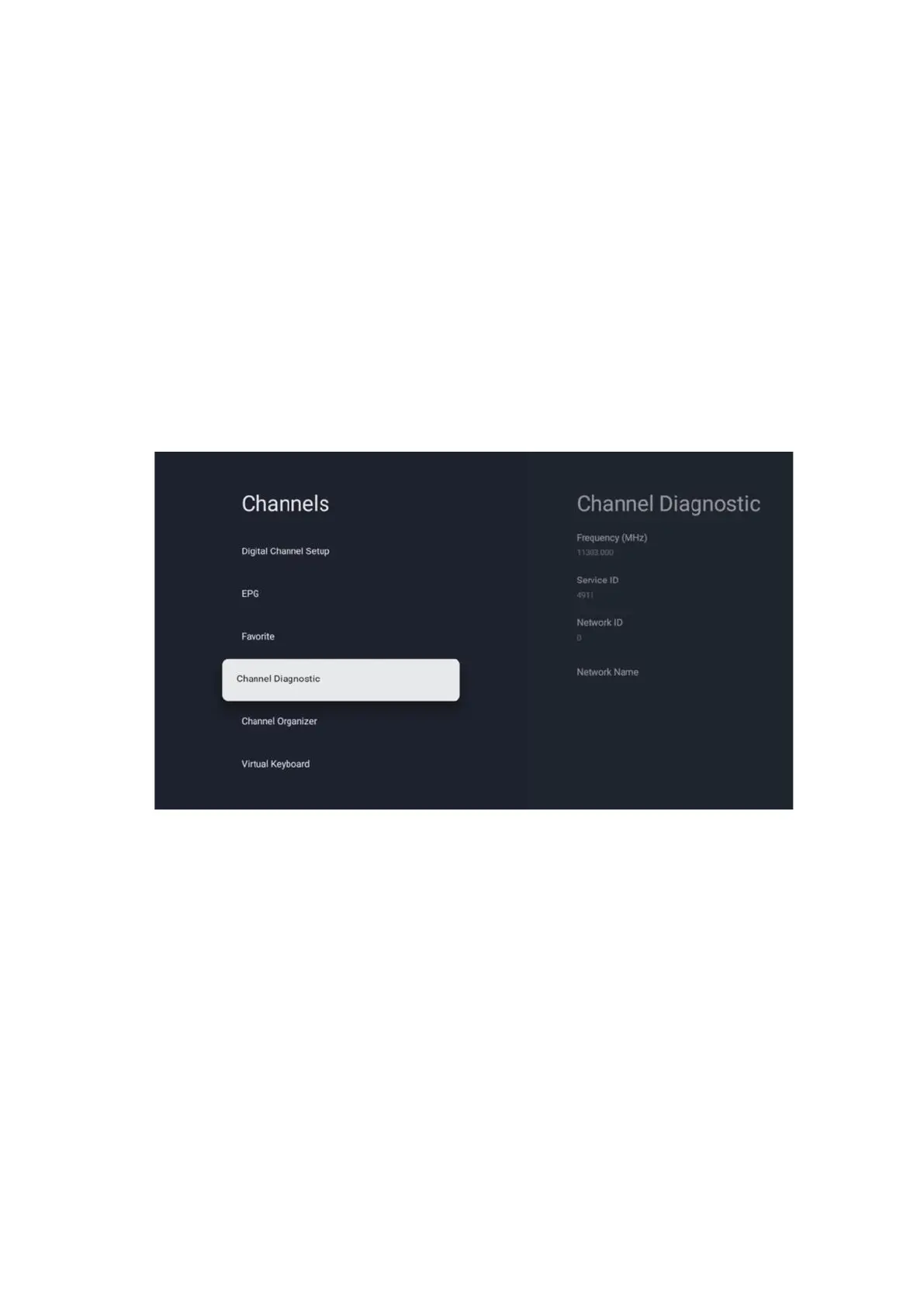
10.2.1.5 Channel Diagnostic
• Frequency (MHz): Shows the frequency of a specific channel. By pressing OK a pop-up
window will be displayed, where the channel’s frequency, its signal level and quality will
be displayed.
• Service ID: Showcases the Service ID of a specific channel.
• Network ID: Showcases the Network ID of a specific channel.
• Network Name: Showcases the name of the network of a specific channel.


 To Next Page