Operating Your Receiver
EN
13
Switching on /off
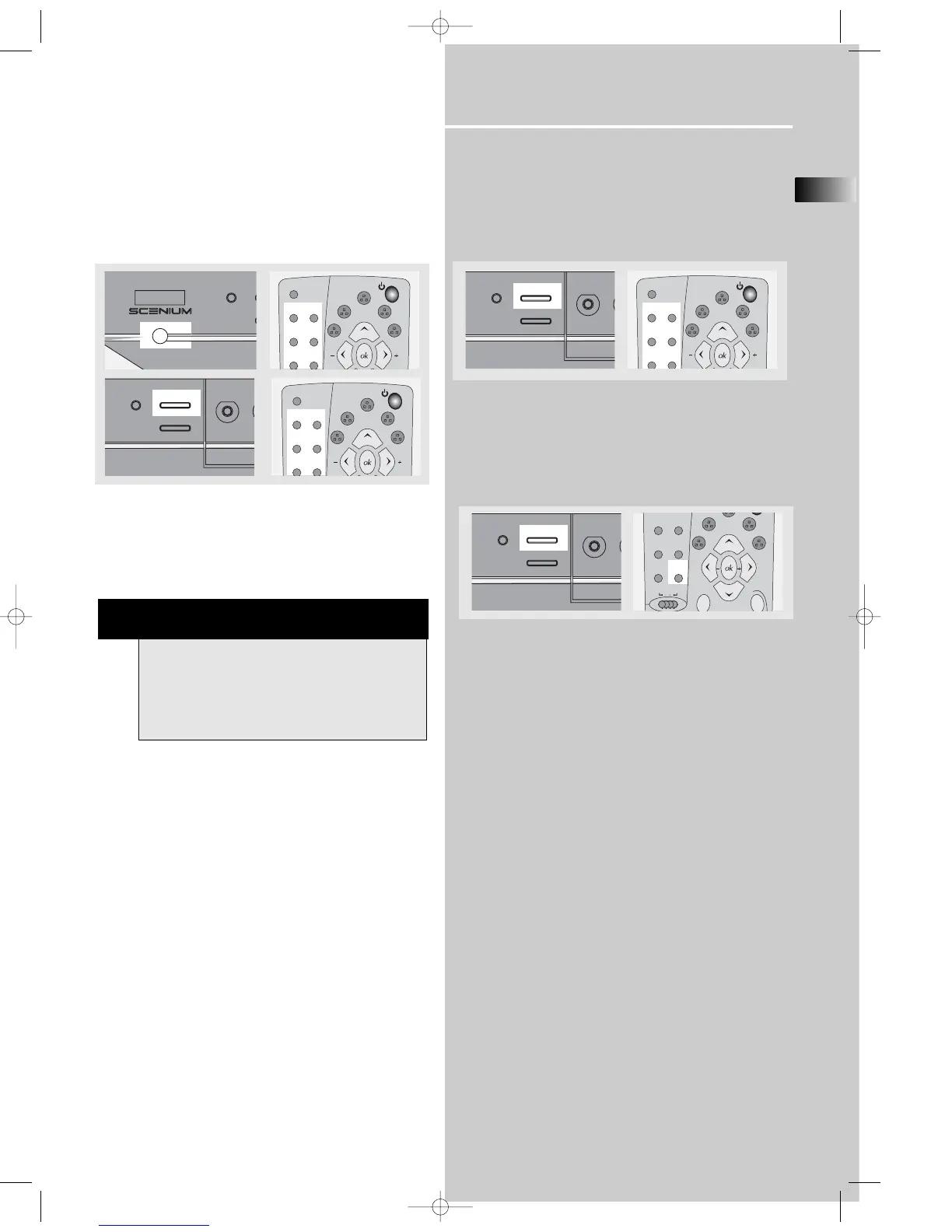
• To switch on the receiver, press POWER/ECO button on
the receiver once to enter standby mode. Press SOURCE
button on the receiver or one of the source buttons or
ON/OFF on the remote control to power on the receiver.
(See illustration below)
• Standby: when the receiver is on, press the
ON/OFF on the remote to return to standby mode.
• To switch off the unit completely, press the POWER/ECO
button on the receiver.
Selection of Audio/Video source
When one of the audio/video source is selected, the audio
and video input corresponding to the name will be
activated.
The receiver acts as a switching device between all the
sources that are plugged into it.
Example 1:
If you connect a VCR player to the VCR input (audio +
video) on the receiver and press the SOURCE button
until VCR shows on the display. You will be able to have
the sound and image transmitted by the VCR.
NOTE
Your receiver has a back up memory to keep your
settings like preset radio station for about 2 weeks
in case electricity cut occurs. If the receiver is
unplugged for more than 2 weeks, all the settings
will be lost and re-setting will be necessary.















 To Next Page