EN
17
Advanced Sound Control
Fine Setting of the Speakers
If you use all the speakers provided, all the basic settings
have been set.
However, to make the surround sound more effective and
suit the acoustic conditions in your listening room, you
need to delay the signal from some of the speakers. Such
channel delay compensates for center or surround speak-
ers that are closer to listening position than the front
speakers.
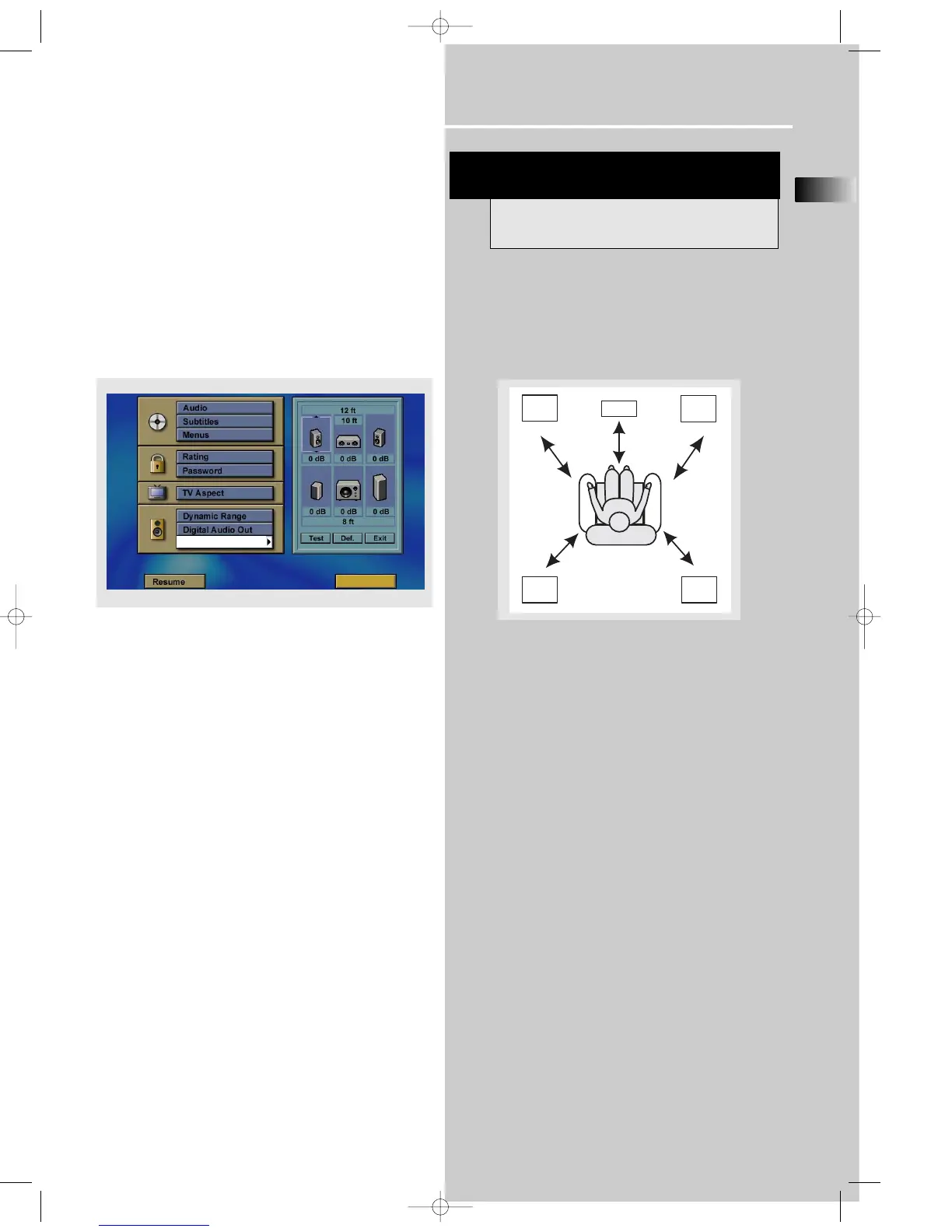
You may setup the speaker channel by channel, first press
MENU button in stop mode to enter the setup menu, then
choose Speaker Setup.
To change the speaker size
In speaker setup menu, press left/right buttons to select
speaker, when the speaker picture is selected, you can
press up/down buttons to adjust speaker size. Size selection
is to let you adjusting the unit to work with larger size
speaker, like floor stand speaker.
To change the speaker distance
In speaker setup menu, press left/right buttons to select
speaker, when the speaker distance column is selected, you
can press up/down buttons to adjust the distance of front,
rear and center speaker individually.
To change the speaker level
In speaker setup menu, press left/right buttons to select
speaker, when the speaker volumn column is selected, you
can press up/down buttons to adjust the level of front, rear,
center speaker and subwoofer individually.
To test the speaker setting
In speaker setup menu, press left/right buttons to select the
“test” column, then press OK the activate. A short noise
will then be heard in the speakers one by one.
To reset to factory default
In speaker setup menu, press left/right buttons to select the
“Def.” column, then press OK the activate.
Advanced Setting
Factory Default Setting
The receiver speaker distance default settings are the
following:
Front speakers (L/R) 4.5 m
Center speaker (Cch) 4.5 m
Rear speaker (SUR) 3 m















 To Next Page