Getting Started
EN
3
Inserting Batteries into Remote Control
Insert two AA(R6) batteries according to the + and - signs
on the battery compartment. To use the remote control,
point it directly at your receiver.
Set up and Maintenance of the Receiver
IMPORTANT NOTE
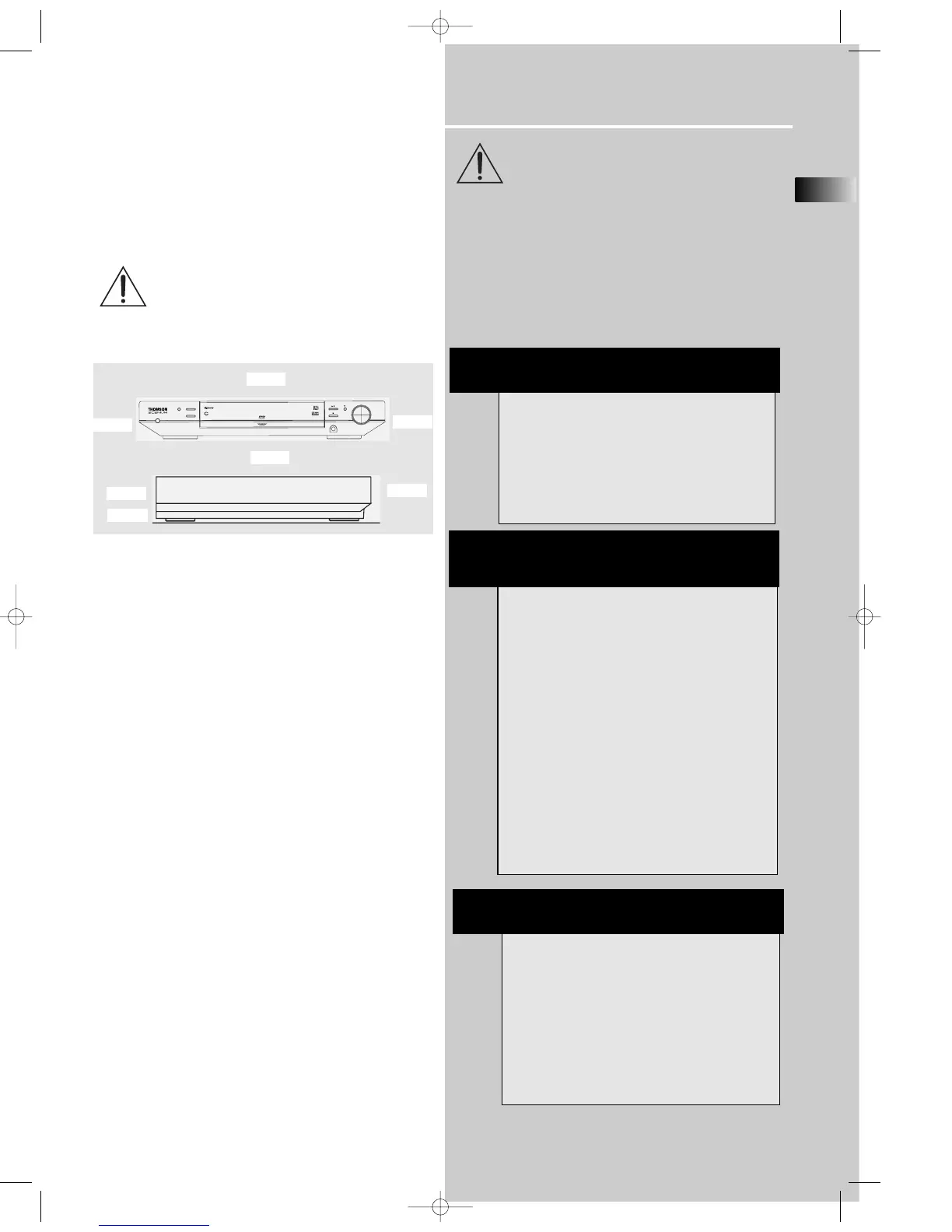
• Provide spaces for sufficient ventilation as indicated
below. If the space is insufficient, the unit may overheat
resulting in malfunction and shorter life time.
• Do not connect to the AC power cords until all connec-
tions are completed.
• Do not use your set immediately after transferring it from
a cold place to a warm place: there is risk of condensation.
• Do not expose your set to water and excessively high
temperatures.
• After having disconnected your set, clean the case with a
soft cloth, or with a slightly damp leather chamois. Never
use strong solvents.
Disc handling precaution:
• Do not touch the recorded surface.
• Do not use record cleaning sprays, solvent or anti-static
liquid.
• If the disc is dirty, clean it with a damp cloth and wipe
from the center out. Wipe in straight line and not in circu-
lar motion.
• Do not attach stickers, label on the disc.
• Store the disc in its case after playing.
Protect your Components from
Overheating
• Do not block ventilation holes in any component.
Arrange the components so that air can circulate freely.
• Do not stack components directly on top of each other.
• Allow adequate ventilation when placing your compo-
nents in a stand.
• Place the receiver near the top shelf of the stand so
heated air rising from it will not affect other components.
About CDR, CDRW, Audio mp3, Compact
Disk Audio (CDA), DVD Video, DVD Audio
This model is compatible to play CDR, CDRW,
Audio mp3, Compact Disk Audio (CDA), Video
Compact Disk (VCD) and DVD Audio.
While your disc player is compatible with the
largest number of discs possible, it cannot be guar-
anteed that you will be able to play discs which
might not be compatible with audio CD, VCD and
SVCD standards.
NOTES ON CD-R/RW DISC
This unit is compatible with CD-RW/ CD-R discs for
playback.
• Do not affix any type of labels to either side
(recordable or labeled side) of a CD-R/RW disc as
this may result in the unit malfunctioning.
• To avoid damages to the CD-R/RW disc, do not
open the disc compartment door while the disc is
being read.
• Do not load an unrecorded CD-R/RW disc into the
unit. This may take a longer time to read the disc.
• Playback capability for CD-RW discs may
vary due to variations in the quality of the
CD-RW disc and the recorder used to create
the disc.
Playback capability of CD-R / DVD-R and
rewritable discs, compatibility with this play-
er depends on the recorder, the burning soft-
ware and the disc used.
10cm/4”
5cm/2”
10cm/4”
10cm/4”
10cm/4”
ATTENTION
This unit is incompatible with the following disc
formats:
DVD-ROM, DVD-RW, DVD+RW, DVD RAM, DVD-R,
CDV, SACD, DVD Audio (High resolution tracks).
JPEG pictures, Kodack disc, Divx video disc, photo
CD, CD-G, S-VCD, Data part of CD Extra, disc with
non standard shape (e.g. heart), disc with region
code different from the one specified on the back
of the unit.
Front
Rear















 To Next Page