Getting Started
EN
5
Digital Connections
If you have a SAT receiver DVD player or CD player with a
digital output, you can make use of an optical digital con-
necting cord (not supplied) to carry the audio portion of
the signal and enjoy Dolby Digital or digital stereo sound
quality. When optical cable is used, the analog audio
cables are still needed if recording through a tape or VCR is
desired. This receiver provides one optical input for the
connection of your components. Please connect your com-
ponents (e.g. DVD, SAT or CD) to the appropriate digital
inputs and select the appropriate source (see below).
Read instructions carefully when connecting components to
the receiver.
Digital In Jacks can accept Dolby Digital (AC-3), or PCM sig-
nals when compatible components are connected.
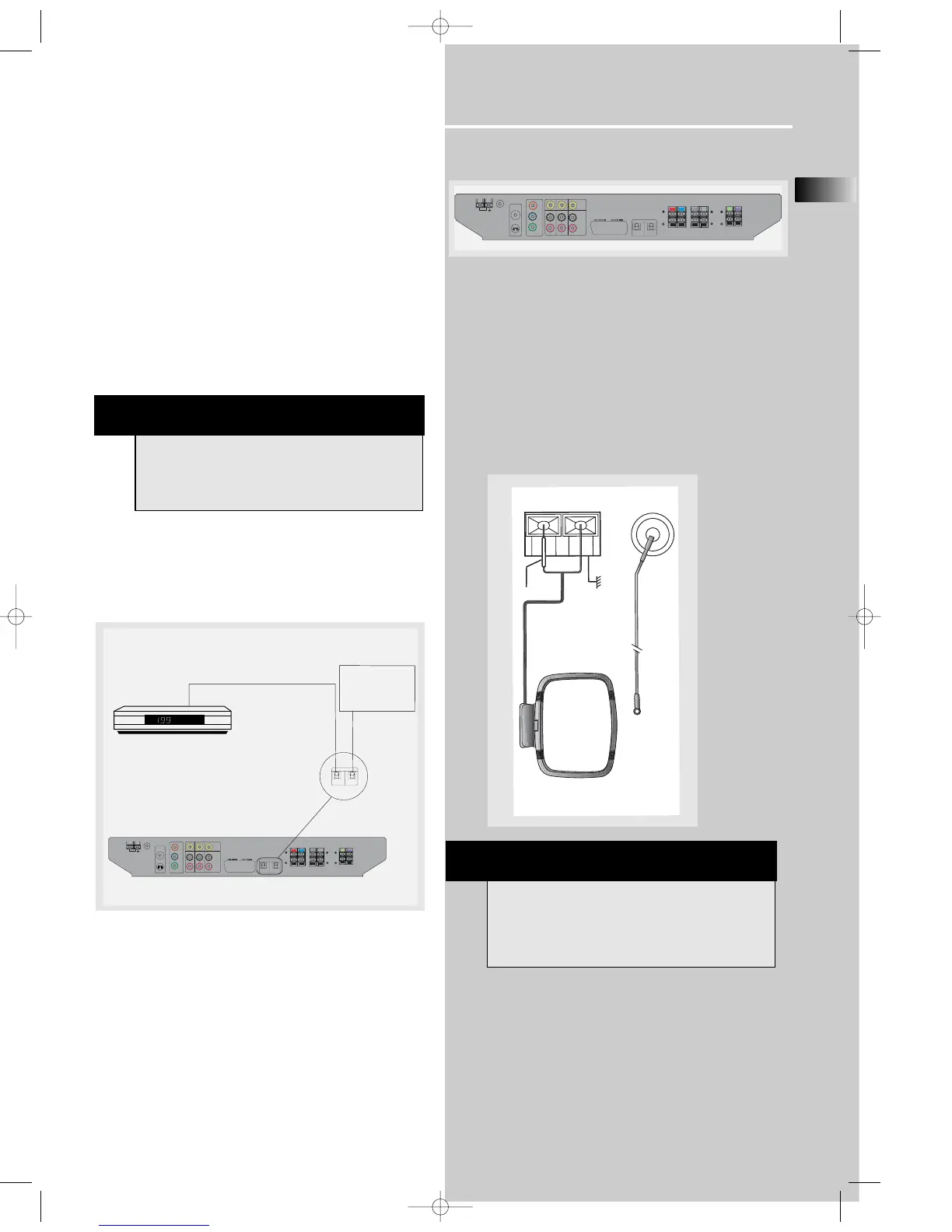
Connecting the Antennas
The AM and FM antennas connect to the AM and FM ter-
minals on the system’s back panel.
They must be hooked up in order to receive clear reception.
AM Loop Antenna and FM Indoor Antenna
1. Uncoil the AM Antenna wire.
2. Press down on the Antenna tab to open the terminal
Note: Make sure the white wire on the AM lop antenna is
inserted into the left terminal.
MONITOR
OUT
OUT
VIDEO
R
IN
SAT
VCR
FM
Cr
Cb
Y
GNDGND
L
AUDIO
OUT IN
IN
DVD ONLY
AM
LOOP
IN
OUT
S-VIDEO OUT
DVD ONLY
COMPONENT VIDEO
OUT (480P/480I)
R
L
FRONT
(8Ω)
REAR
R
L
SUB
(4Ω)
CENTER
(8Ω)
OPTICAL
IN (SAT)
OPTICAL
OUT
DIGITAL
(8Ω)
TV (RGB SCAR
T)
SAT / DVD / CD Player
OPTICAL DIGITAL IN (AUDIO)
Optical Fiber Cable
Connect to optical digital output of DVD, CD,
SAT or other compatible devices.
OPTICAL DIGITAL OUT
Connect to recording
device like CD, CDRW
player, DVD recorder,
mini disc etc.
SAT
OPTICAL
IN (SAT)
OPTICAL
OUT
DIGITAL
HINT
• For FM reception, extend antenna to its full
length and arrange the Antenna at different parts
of the room until the reception is optimized.
• For AM reception, rotate the antenna
horizontally to get better reception.















 To Next Page