13
5. Main Menu Operation
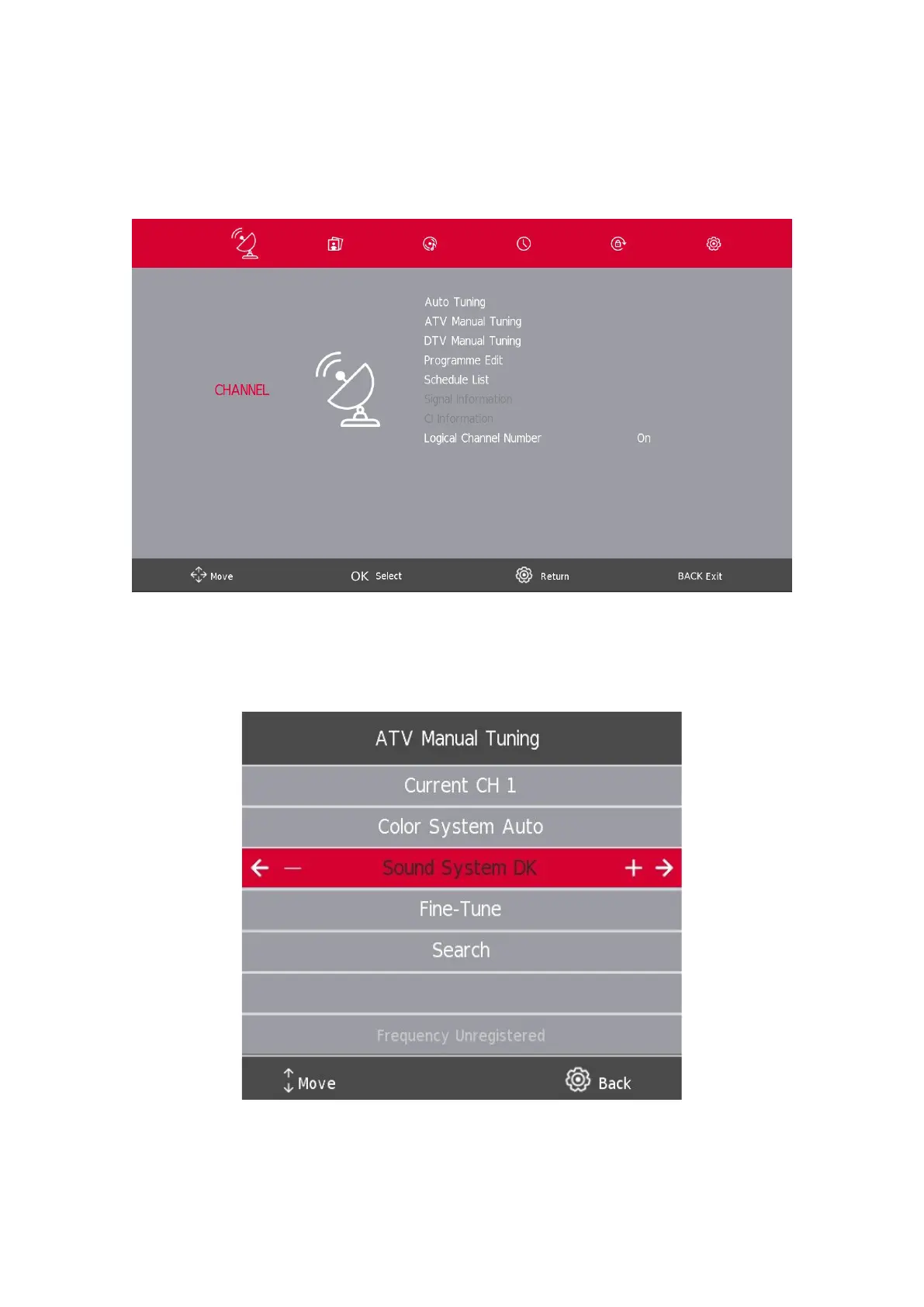
5.1. Channel Menu
Press the SETTINGS/MENU button to display the main menu.
Press the a / d button to select CHANNEL in the main menu.
1. Press the s / w button to select the option that you want to adjust in the CHANNEL menu.
2. Press the Enter button to adjust.
3. After nishing your adjustment, Press the Enter button to save and return to the previous menu.
5.2. ATV Manual Tuning
Current CH
Set the channel number.
Color System
Select the color system
(Available System: AUTO, PAL, SECAM)





 To Next Page